

AISLPC® - M15 Plus Retro Game Stick
AISLPC® - M15 Plus Retro Game Stick

If you have any questions, you are always welcome to contact us. We'll get back to you as soon as possible, within 24 hours on weekdays.
-
Shipping Information
Use this text to answer questions in as much detail as possible for your customers.
-
Customer Support
Use this text to answer questions in as much detail as possible for your customers.
-
FAQ’s
Use this text to answer questions in as much detail as possible for your customers.
-
Contact Us
Use this text to answer questions in as much detail as possible for your customers.
2025 Newest Game Console Stick with 23 Emulators
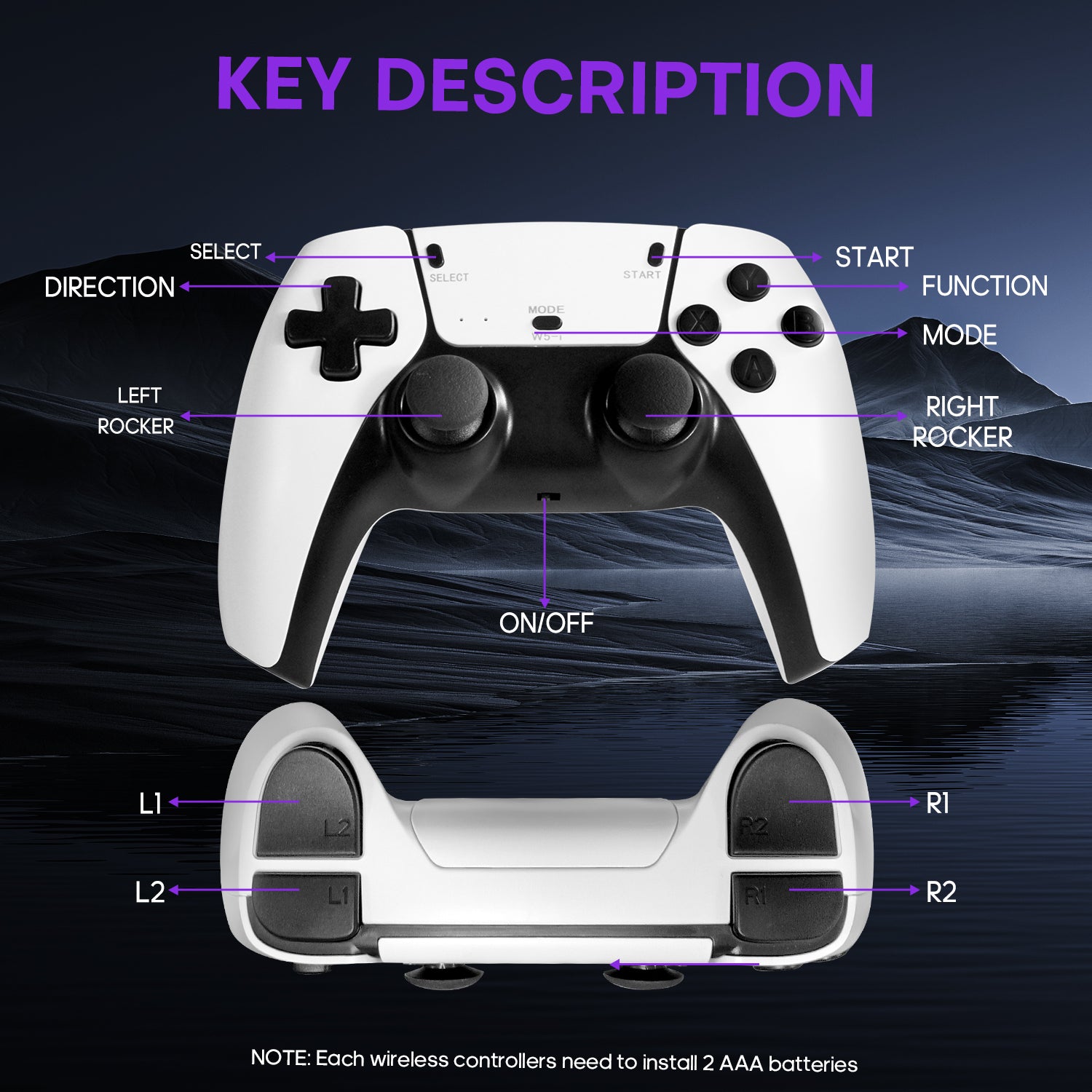
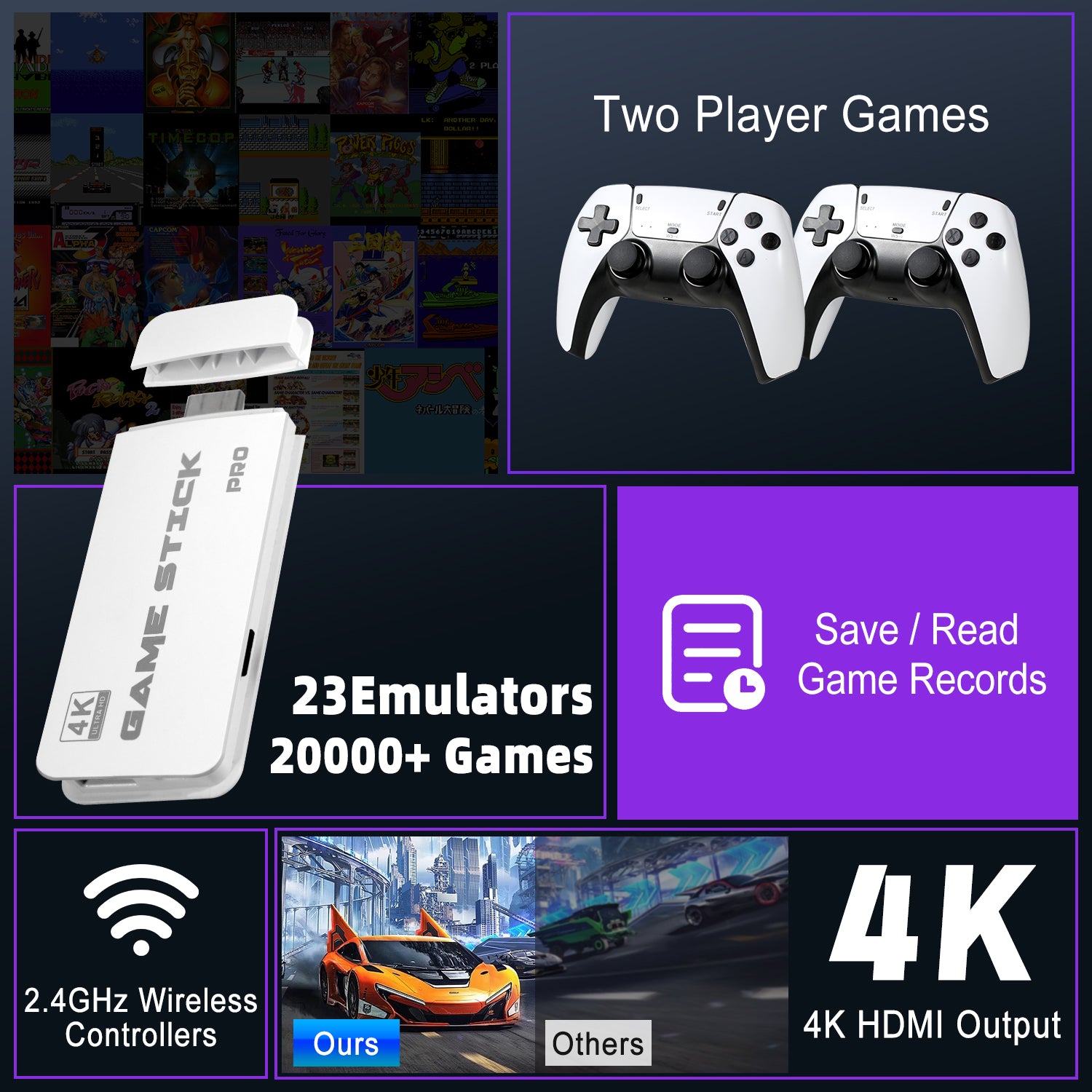
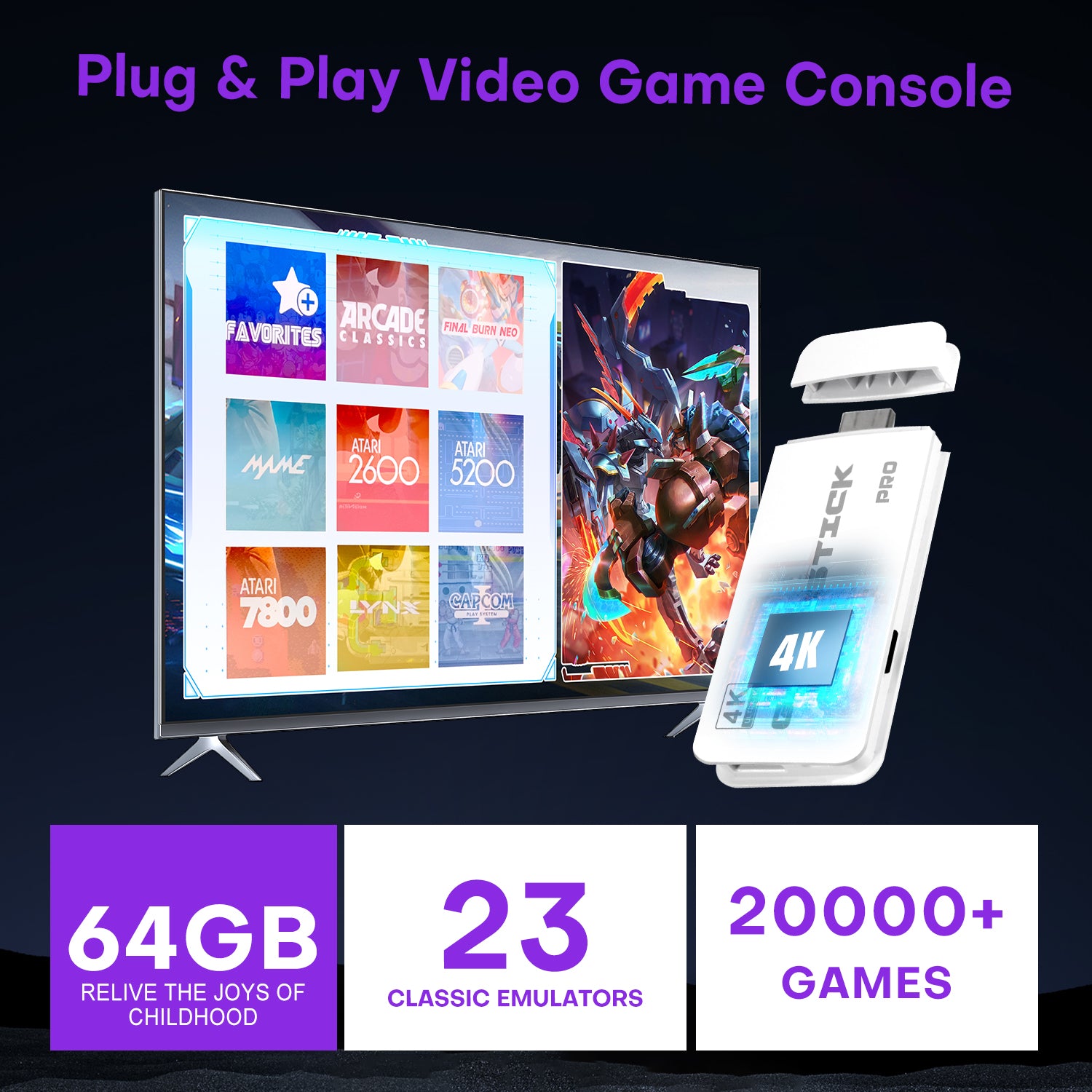
Introducing the GamingBoy wireless TV game console, pre-loaded with over 20,000 classic games and 23 emulators, along with a 64GB TF card. Enjoy the convenience of playing without the need for downloads or installations; no internet connection is required. Simply connect to your TV, and you're ready to dive into a world of 20,000+ classic games. (Press SELECT and START simultaneously to return to the main menu.)
Introducing the GamingBoy wireless TV game console, pre-loaded with over 20,000 classic games and 23 emulators, along with a 64GB TF card. Enjoy the convenience of playing without the need for downloads or installations; no internet connection is required. Simply connect to your TV, and you're ready to dive into a world of 20,000+ classic games. (Press SELECT and START simultaneously to return to the main menu.)
4K HDMI Game Experience
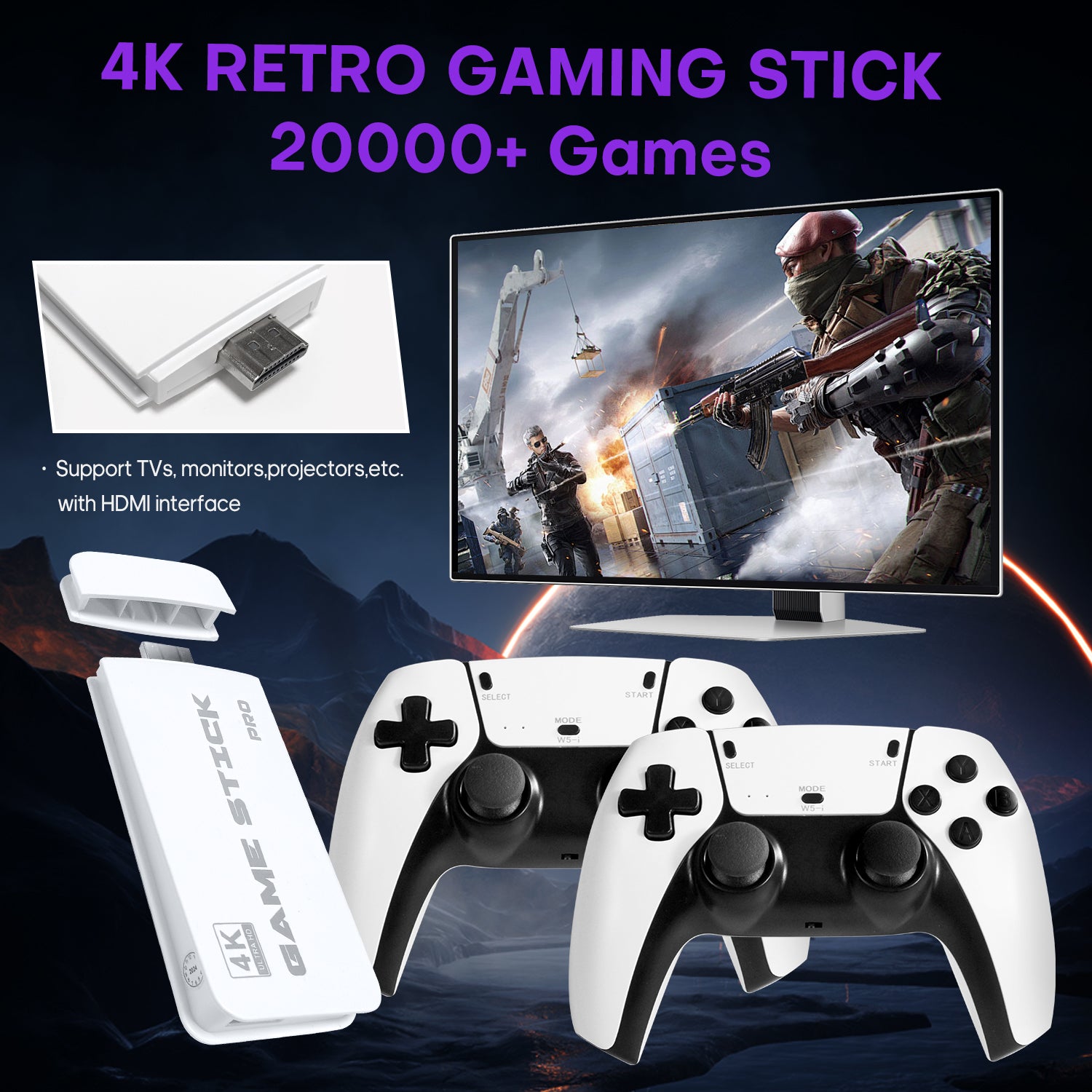
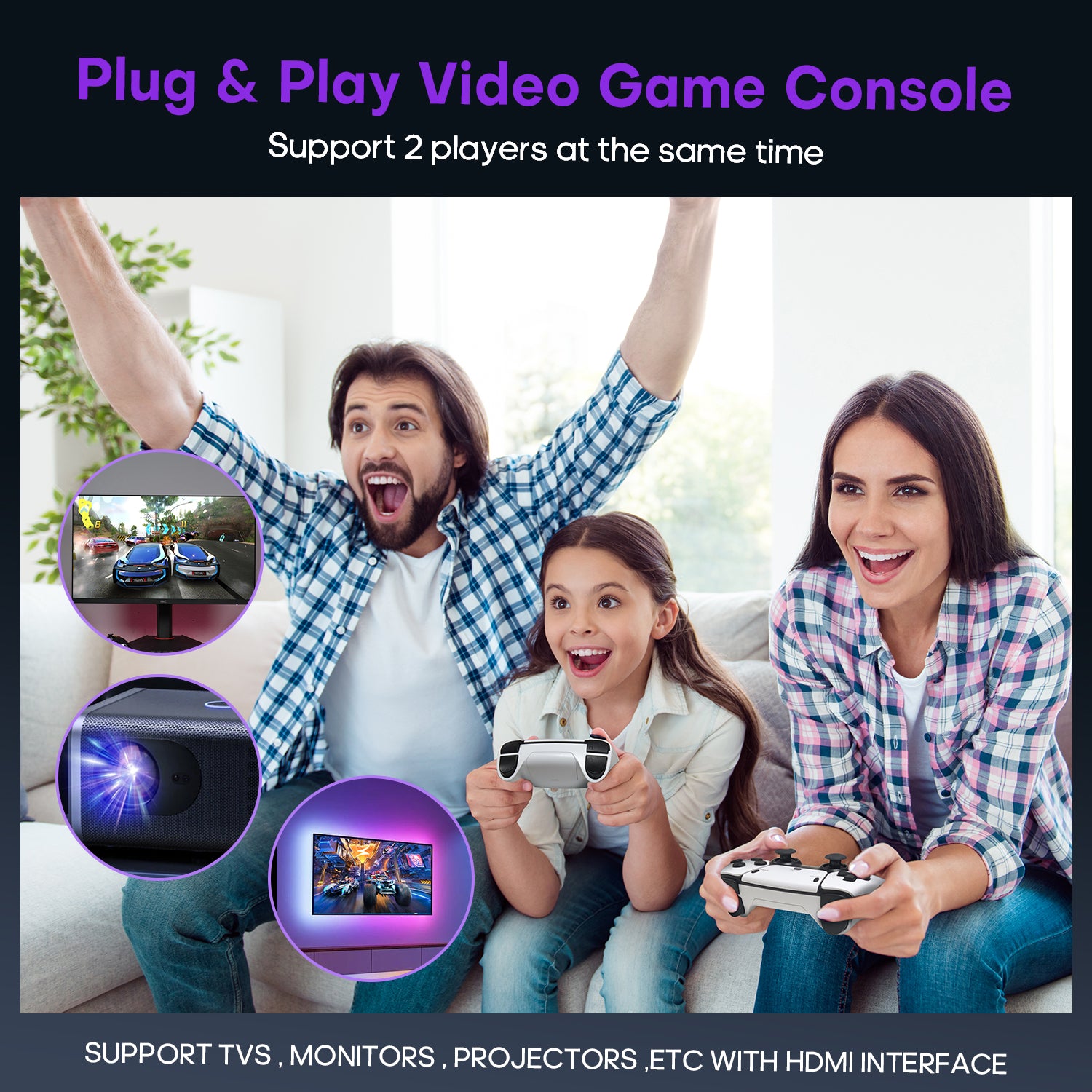
Experience 4K HD HDMI output with 1080P HD quality. Equipped with an extended HDMI cable, this console is compatible with various monitors and can be connected to HDTVs, Monitor, and projectors, meeting your high-resolution and game configuration needs. Please ensure your screen has an HDMI input port for connection. The retro game console stick also supports saving game progress, making it perfect for gaming at any time.
Experience 4K HD HDMI output with 1080P HD quality. Equipped with an extended HDMI cable, this console is compatible with various monitors and can be connected to HDTVs, Monitor, and projectors, meeting your high-resolution and game configuration needs. Please ensure your screen has an HDMI input port for connection. The retro game console stick also supports saving game progress, making it perfect for gaming at any time.
Plug & Play, Anytime Anywhere
Dual 2.4GHz Wireless Controllers
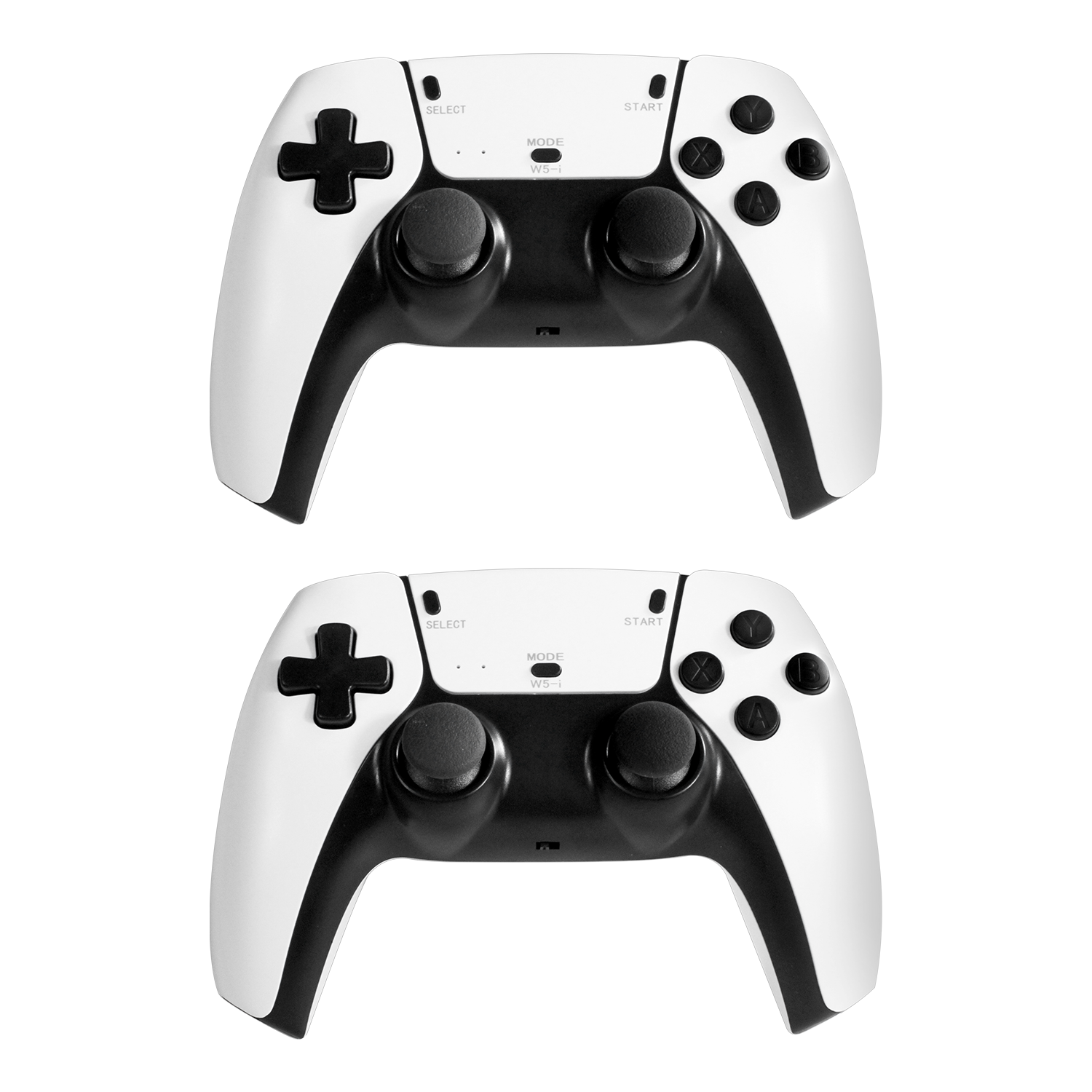
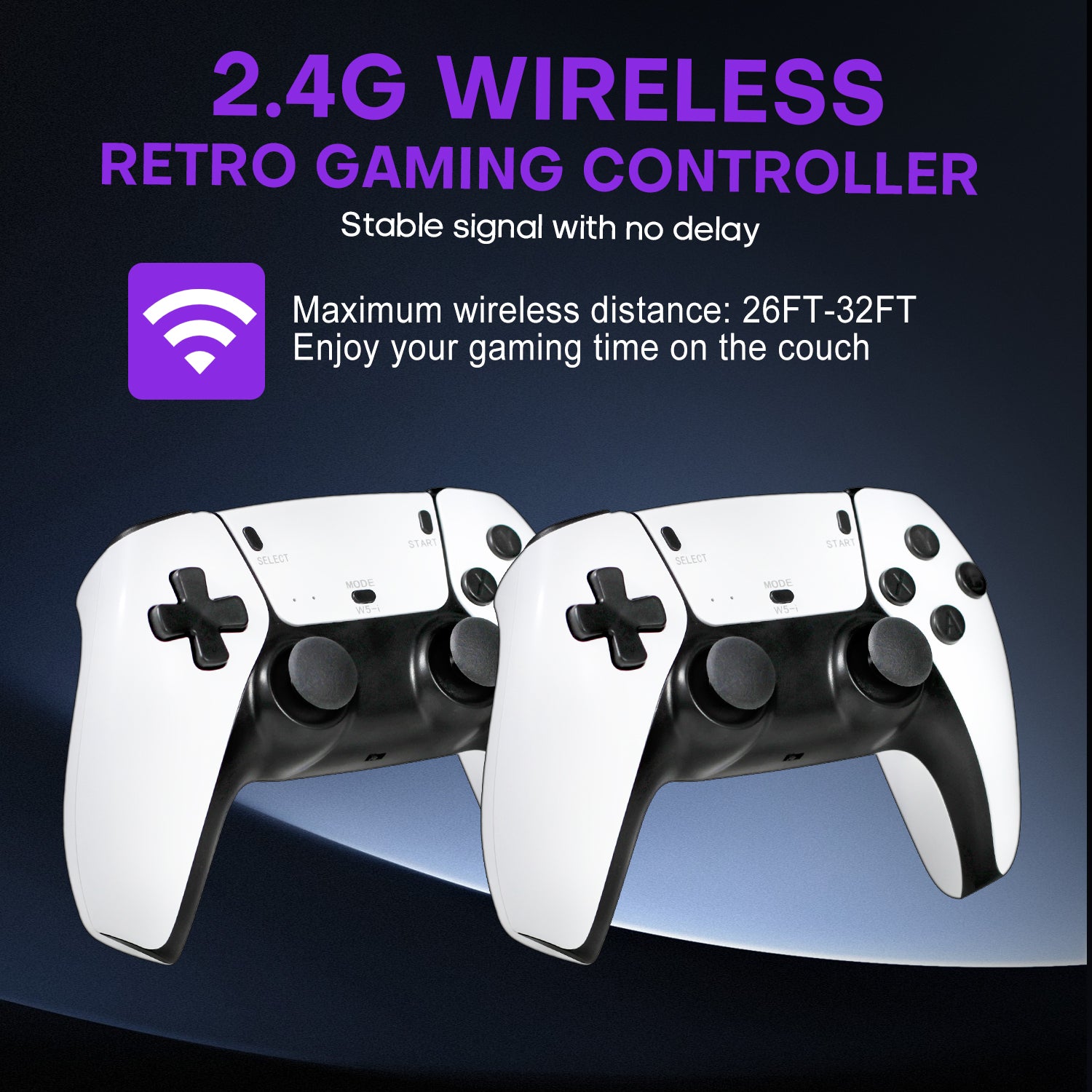
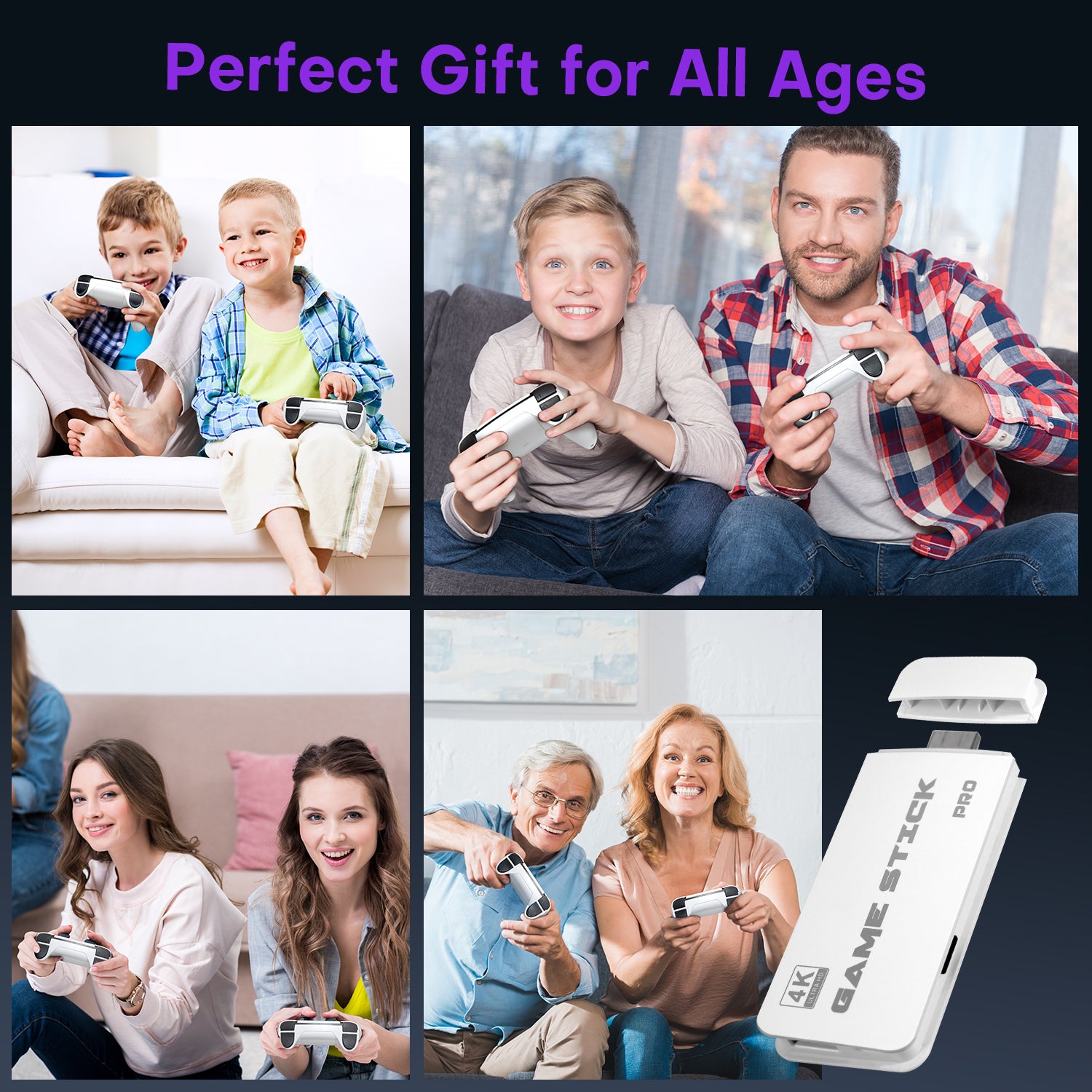
Enjoy stable and nearly latency-free gaming with 2 upgraded 2.4GHz wireless controllers. The Video Game Console supports simultaneous play for two people, eliminating wire interference during gameplay. The maximum connection distance is 40 feet.
Enjoy stable and nearly latency-free gaming with 2 upgraded 2.4GHz wireless controllers. The Video Game Console supports simultaneous play for two people, eliminating wire interference during gameplay. The maximum connection distance is 40 feet.
Simply Connection
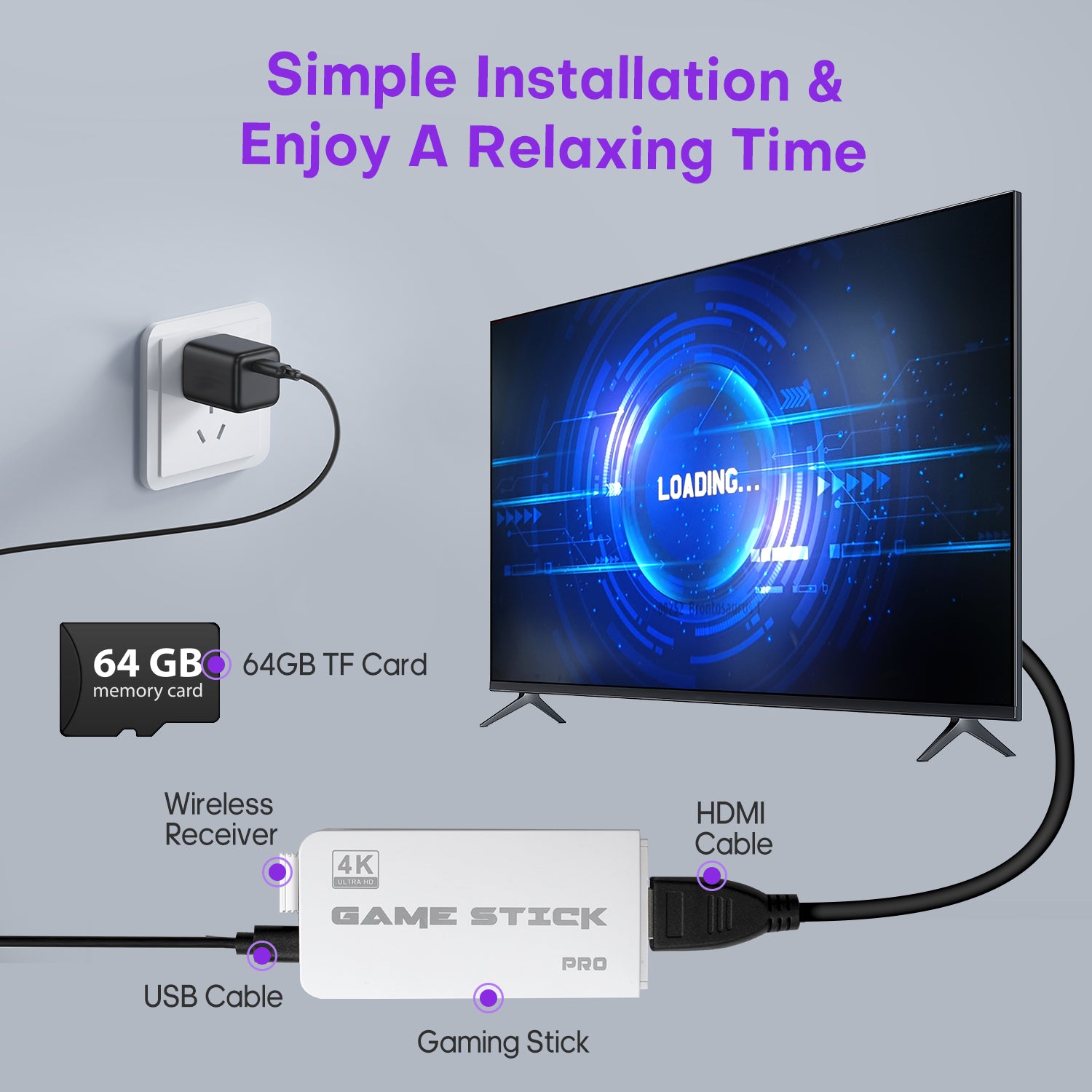
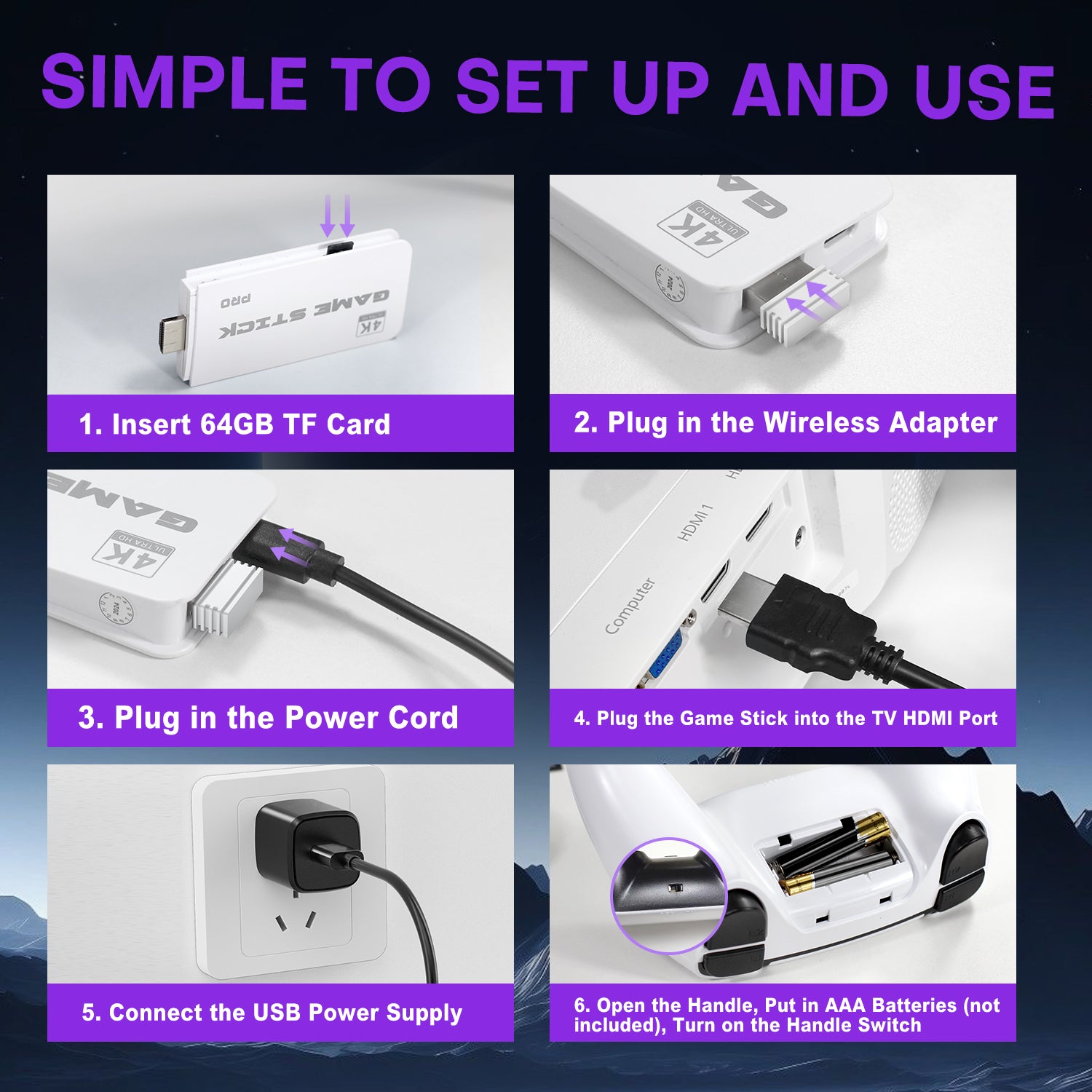
Simply connect the gamepad to a power source, plug it into your TV, and adjust your TV to the HD channel to display the game list screen. The setup steps are as follows: 1. Connect the HD output of the TV. 2. Insert the included TF game content card. 3. Using the charging adapter to connect the power supply will automatically turn on the console. (2 wireless controllers require 4 AA batteries, not included.)
Simply connect the gamepad to a power source, plug it into your TV, and adjust your TV to the HD channel to display the game list screen. The setup steps are as follows: 1. Connect the HD output of the TV. 2. Insert the included TF game content card. 3. Using the charging adapter to connect the power supply will automatically turn on the console. (2 wireless controllers require 4 AA batteries, not included.)
Package List
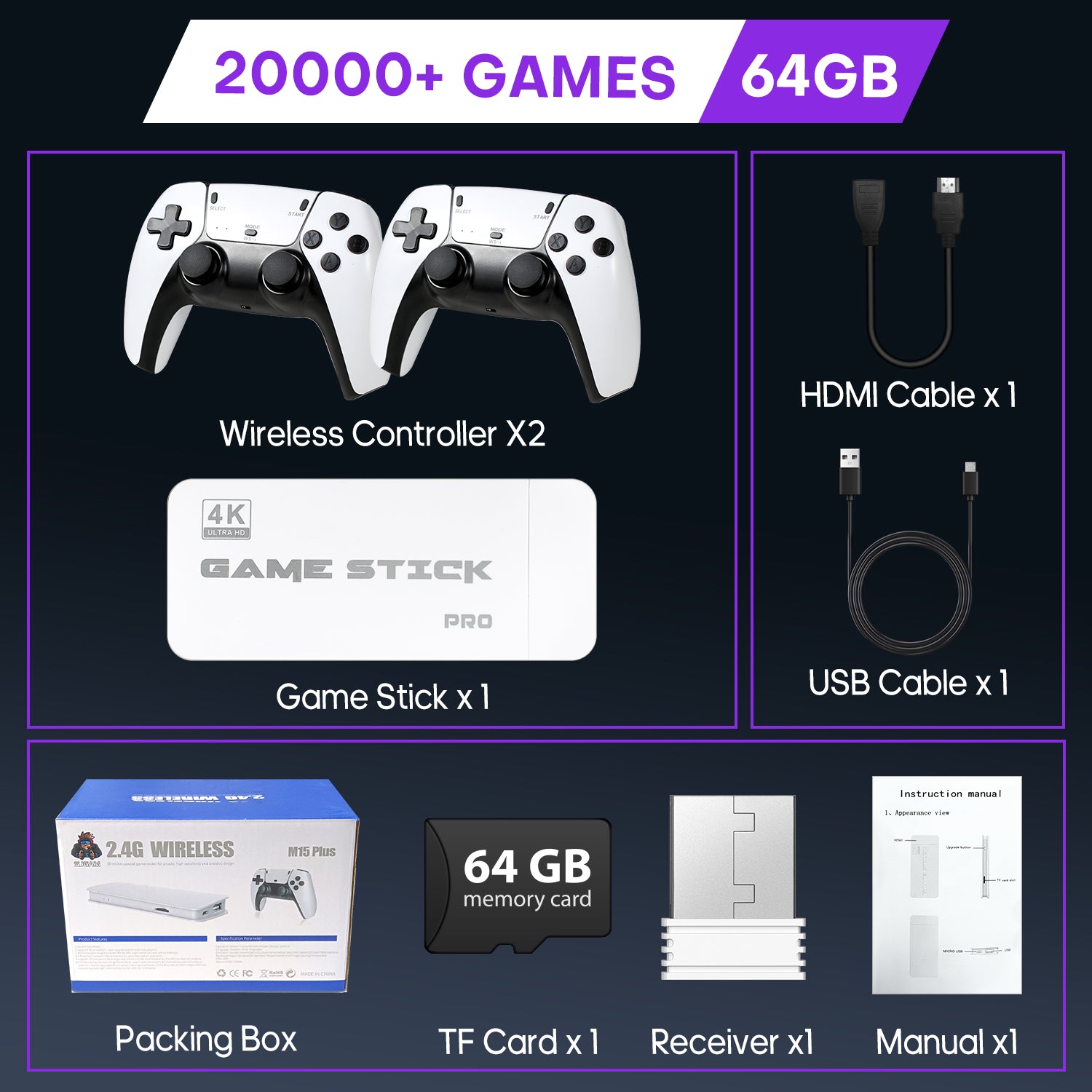
Wireless Controller*2

Gaming Stick
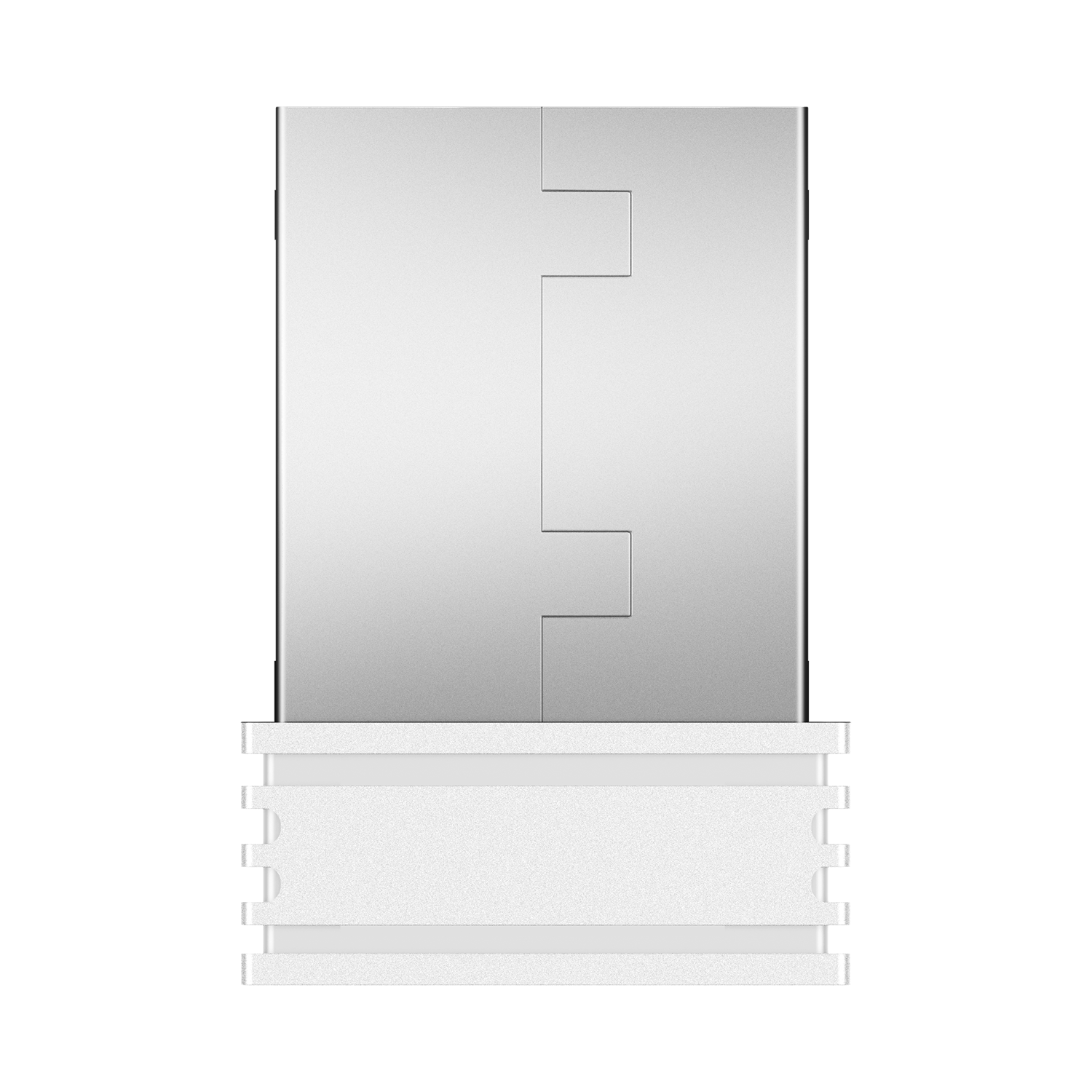
USB Receiver
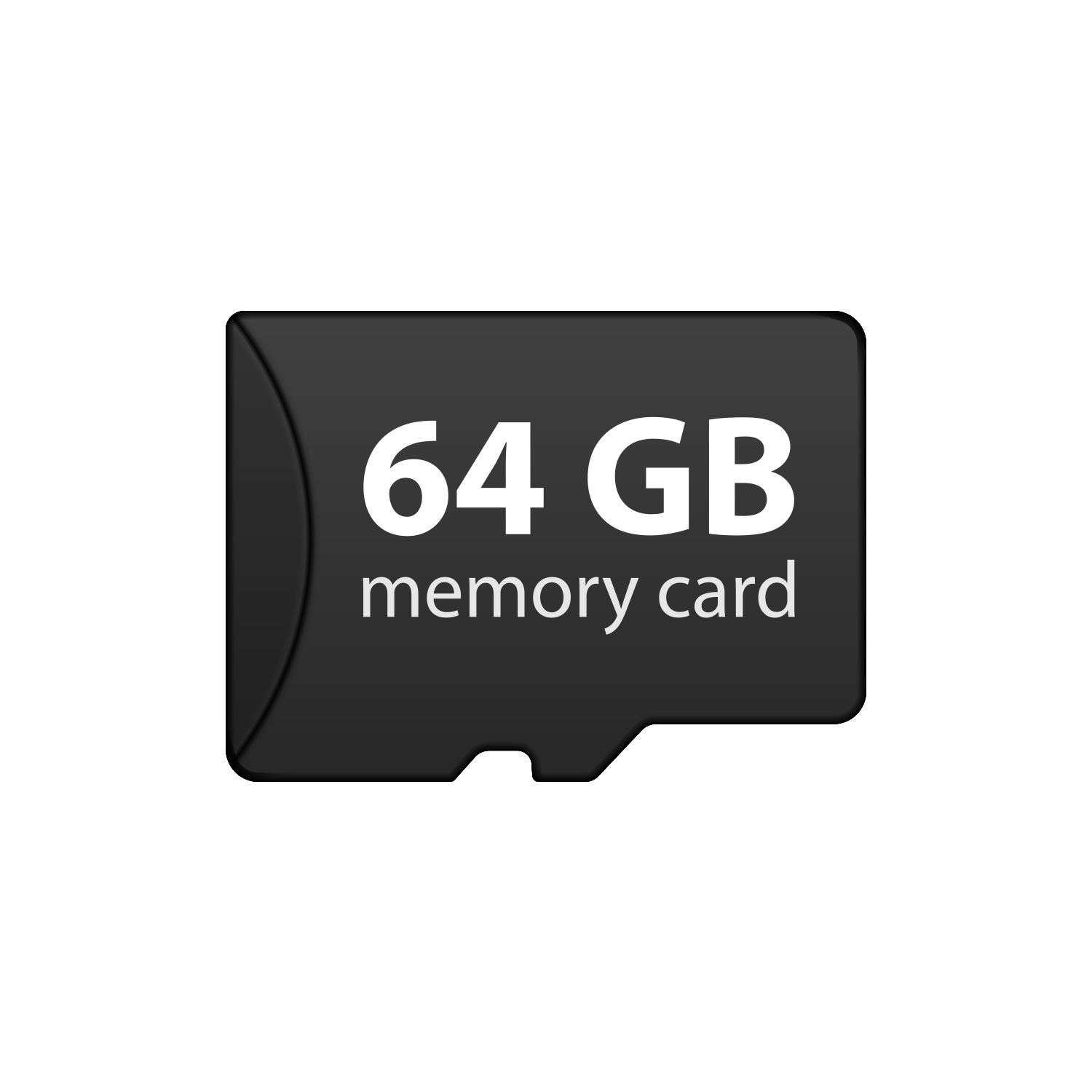
64GB Memory Card (Preloaded with games)
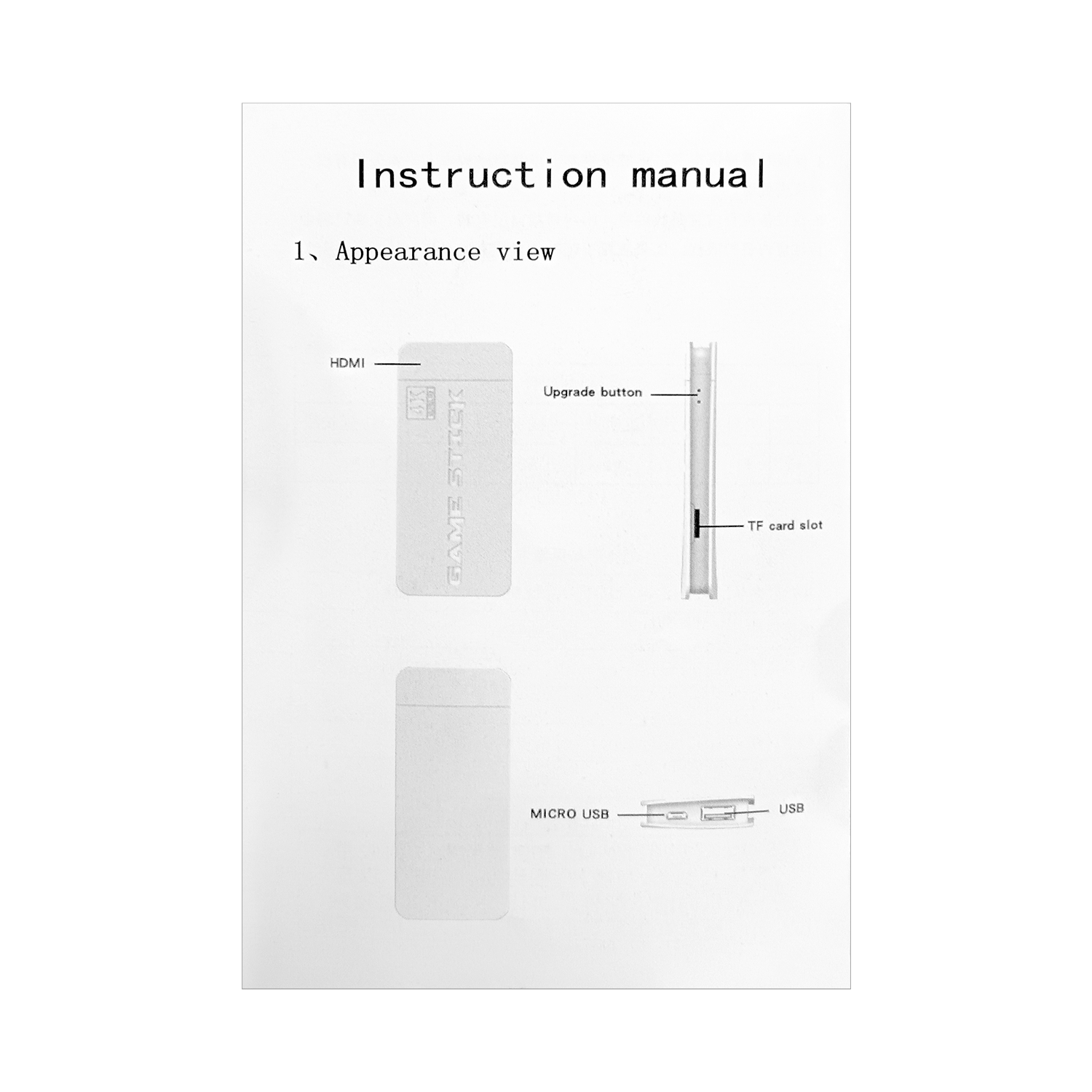
Instruction
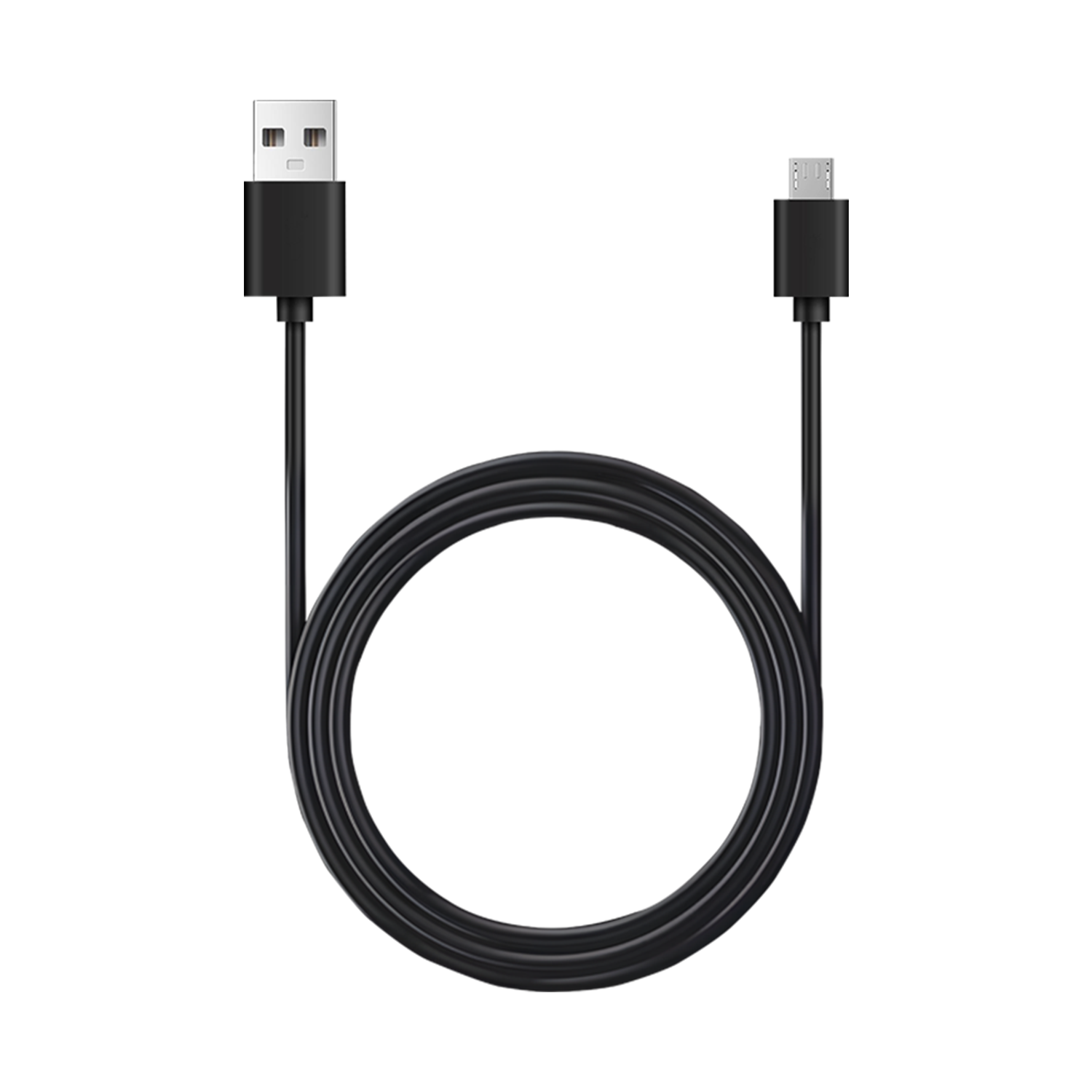
Micro USB Cable

HD Cable

Gift Box Packaging
FAQs
Please read our FAQs page to find out more.
What to do if the Game Stick cannot connect to the TV?
Make sure the power is connected, HDMI is plugged in, and select the correct HDMI signal source on your TV. If using HDMI 1 port, select HDMI 1 as the signal source.
What if the TV does not display, or there is no signal source input?
Ensure you use a power adapter that provides at least 5V 1A to maintain sufficient power! If the TV's USB port doesn't supply enough power, be sure to use an additional power adapter!
What should I do if the controller cannot connect to the game stick?
Ensure that the batteries are in good condition.Install the controller (AAA batteries) and turn on the switch (ON) The indicator light should start blinking, and after waiting for 1-3 seconds,a steady indicator light indicates a successful connection
What makes the badgoal retro game console a popular choice for entertainment?
With over 20,000 games, Built-in 23 Emulators. This console is your passport to non-stop fun! It’s like having every childhood memory powered by pixels, all without the scrunchies and neon socks.
Received the delivery quickly and in good condition. Installation is very simple—just connect it to the TV and insert batteries into the remote. The kids love it!

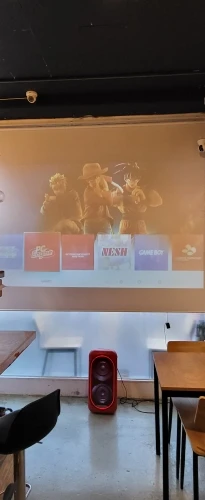
I connected it to the projector and it is recognized well.
The Joy-Con design is neat, but
The external finish is not good.. The parts that fit together are not.
It's a bit sharp? But there are no issues in use.
The power source uses 5 pins, but it should be C-type input.
There is some disappointment...
I don't know if it's because the draw is good, but I like it.
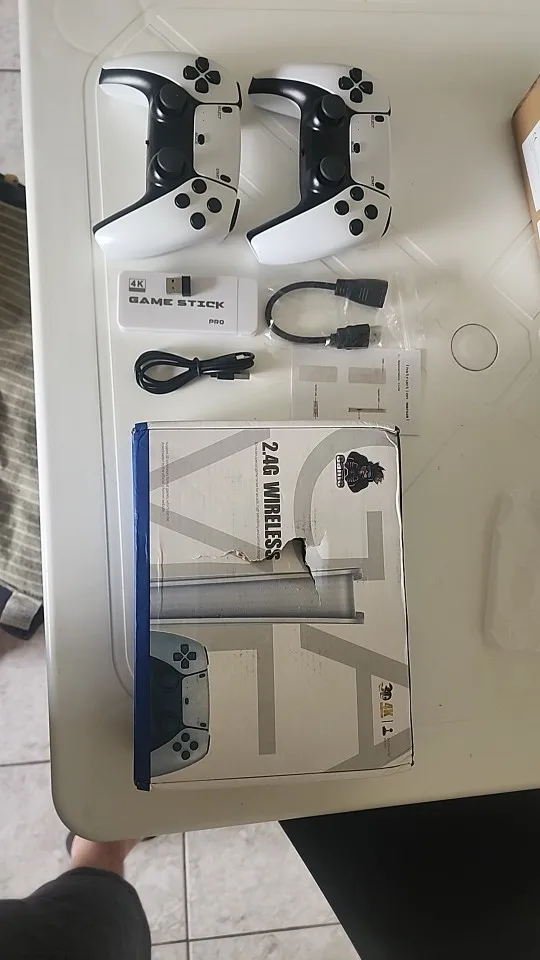
Apparently everything, only the box came damaged, I will do a test later.
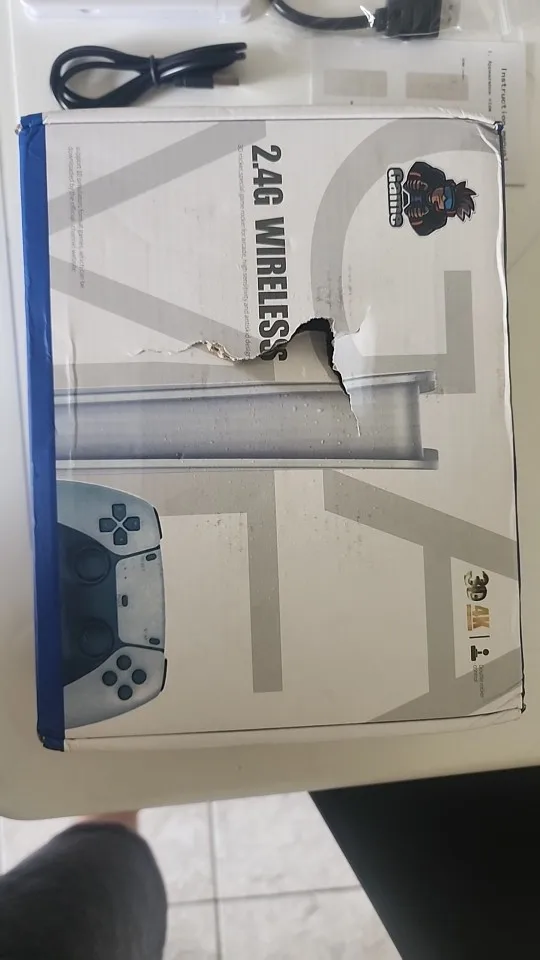
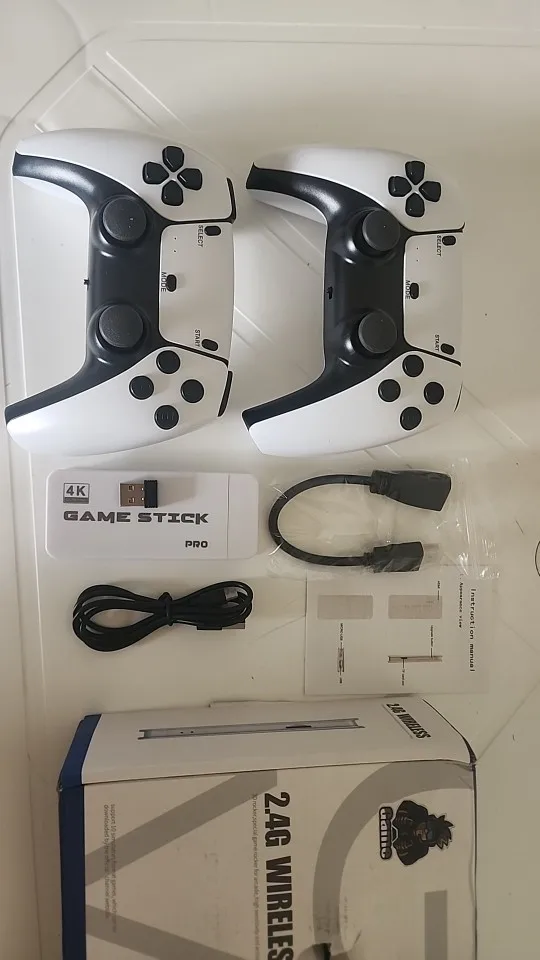
Works well. Played only a couple a games. Looking to see if i can add games.
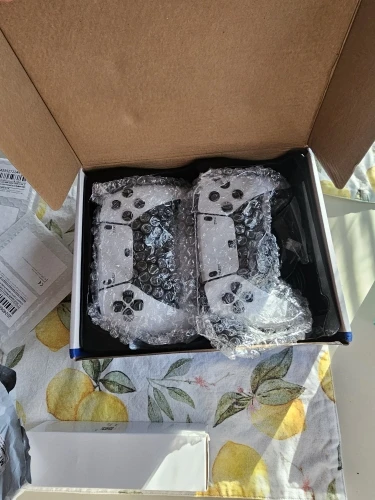
As described, good quality, can buy again definitely, thx a lot.as described, good quality, can buy again definitely, thx a lot.
It works well but sometimes the game resets in the middle. It seems to be overloaded depending on the usage time.
It's very good, the only downside is that many games are not in their Spanish version. It works perfectly. Recommended.
Perfect according to the description and very fast shipping.
Rrrrr