
Download Center
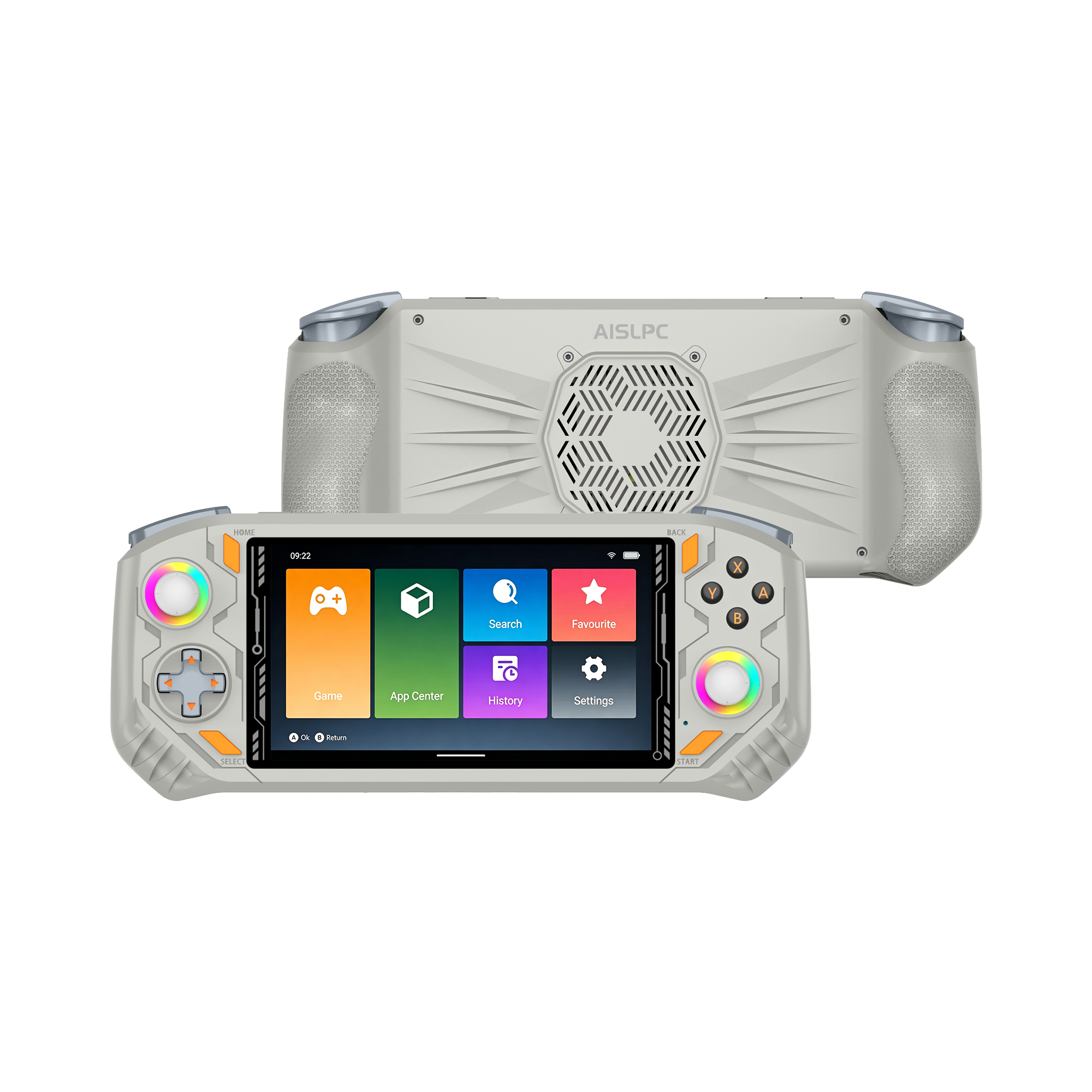
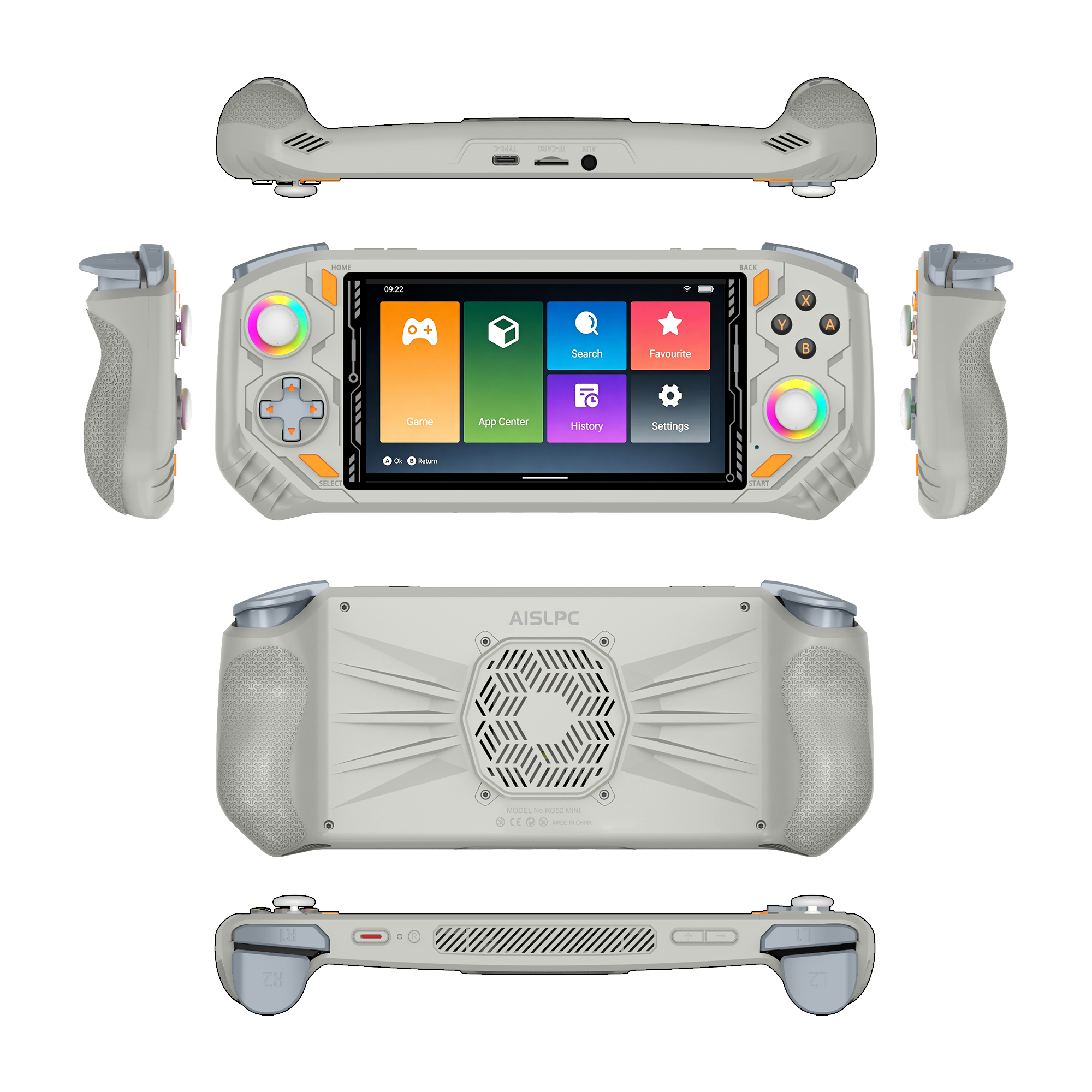
Access firmware updates, operating systems, setup guides, FAQs, and useful tools for your AISLPC handheld devices.
EE4.7(eMMC)
DownloadSystem update package for R36T devices with eMMC boot.
Arkos
DownloadCustom Linux firmware package based on Debian Trixie for R36T devices.
AURKNIX(CFW)
DownloadOptimized custom firmware based on ROCKNIX, designed for better performance, stability, and smoother retro gaming experience on R36T.
EE4.7(eMMC)
DownloadSystem update package for R36T Max devices with eMMC boot.
Arkos(CFW)
DownloadCustom Linux firmware package based on Debian Trixie for R36TMax devices.
AURKNIX(CFW)
DownloadOptimized custom firmware based on ROCKNIX, designed for better performance, stability, and smoother retro gaming experience on R36T Max.
More Support
Updated Jan 21, 2025
eMMC Firmware Flashing Guide
ViewUniversal firmware update guide for eMMC boot devices
FAQs
How do I upgrade the system or install firmware?
Visit our FAQ page to quickly find answers to common questions.
If you still need help, you can reach us via the purple chat widget on our website or submit a support ticket.
Our support team will get back to you within 24 hours.
Where is the PSP cheat (cheats) directory in the EE system?
Place your PSP cheat files in the following path:
/storage/roms/savestates/PPSSPPSDL/PSP/Cheats
Have more questions?
You can reach our support team through the purple chat widget on our website, or by visiting our Contact Us page.