

AISLPC® – RG-K32B Retro-Handheld-Spielkonsole für Kinder
Verkaufspreis$39.99Normaler Preis
$59.99
zzgl. Versandkosten
Auf Lager, versandfertig
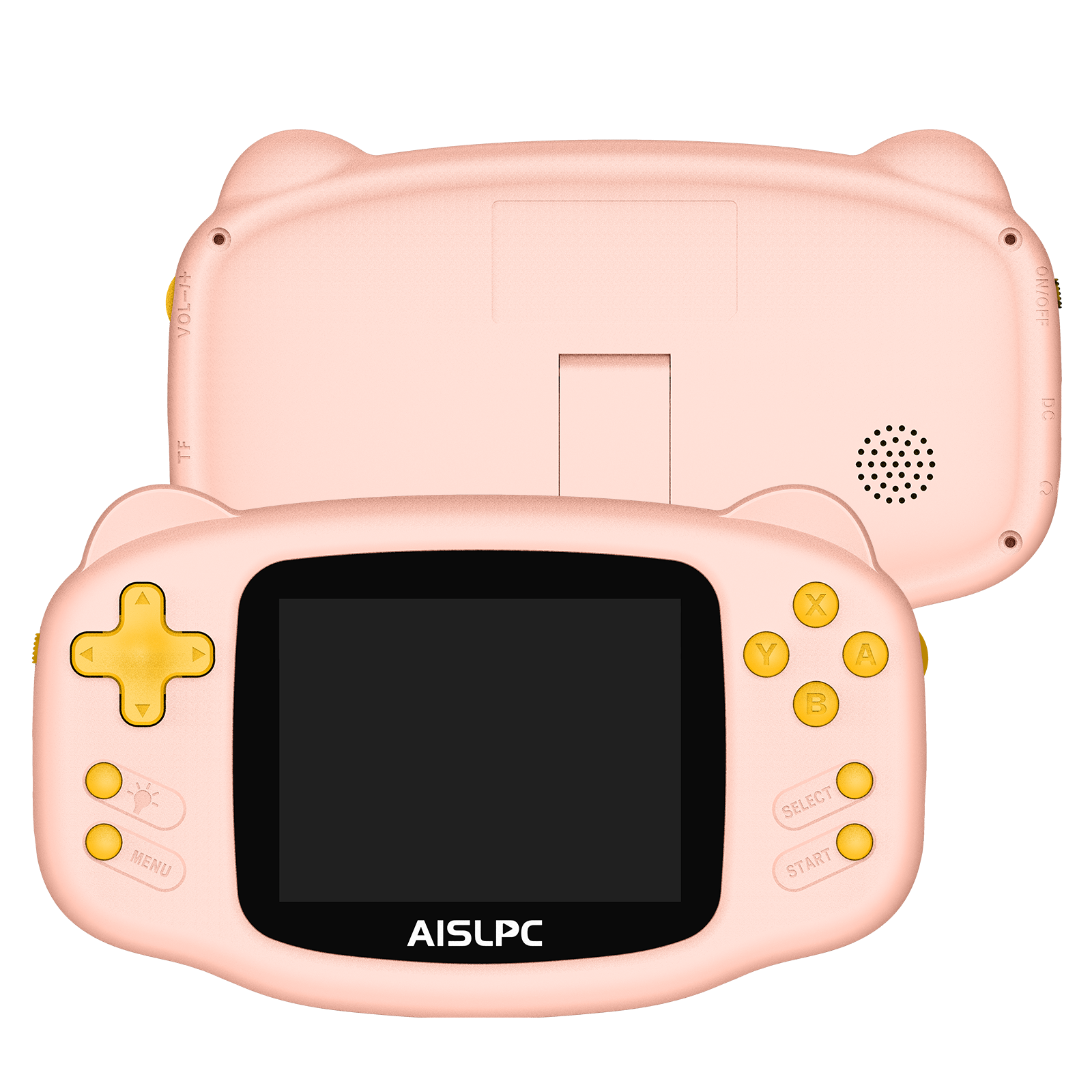
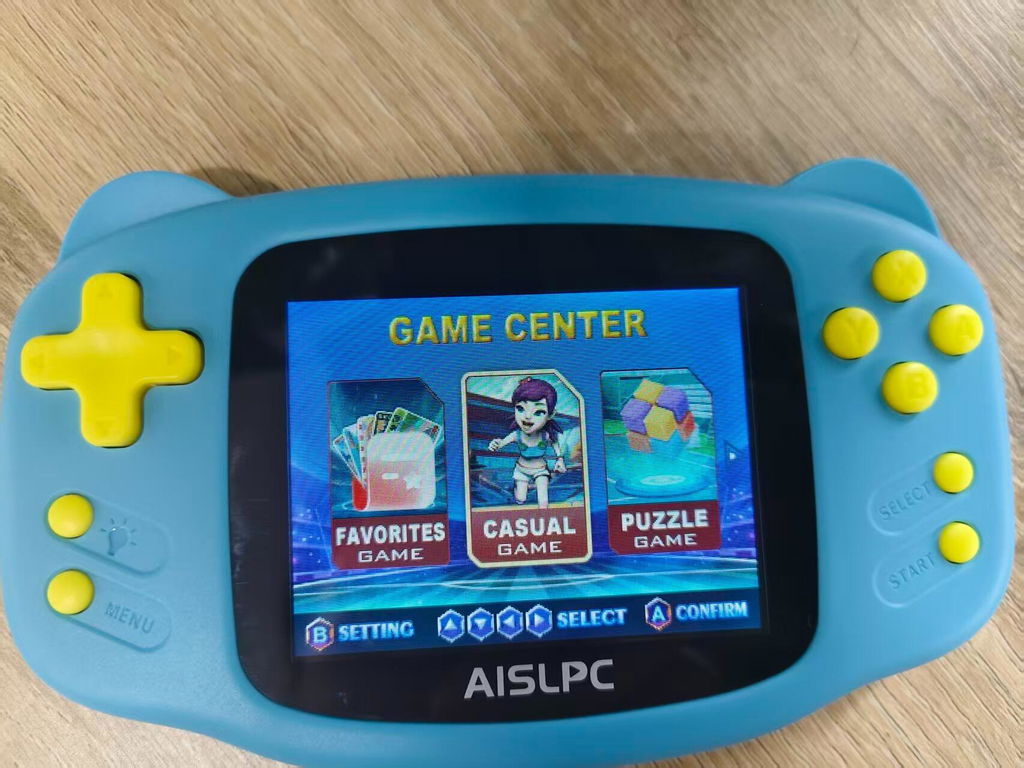
Niedliches Katzenohren-Design
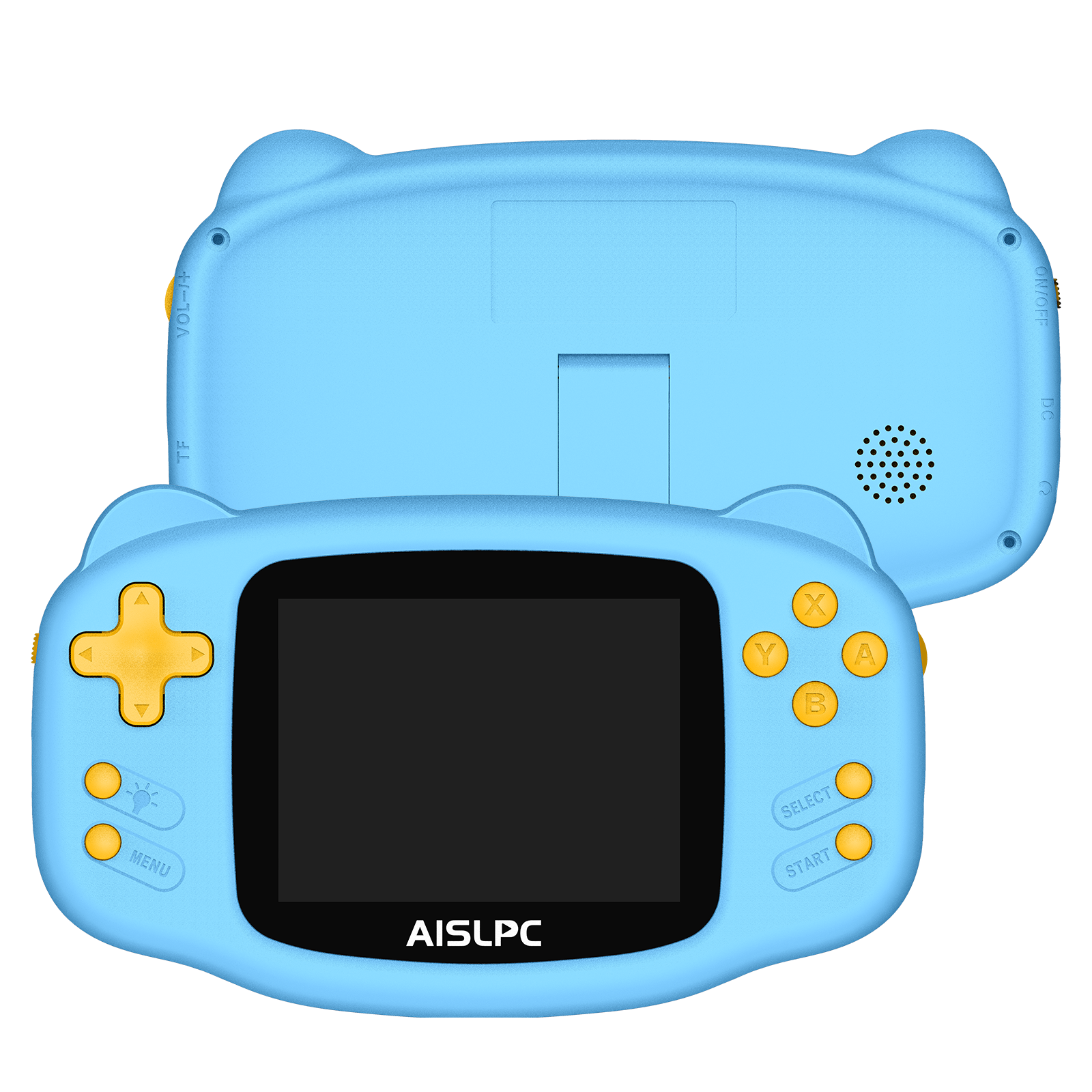
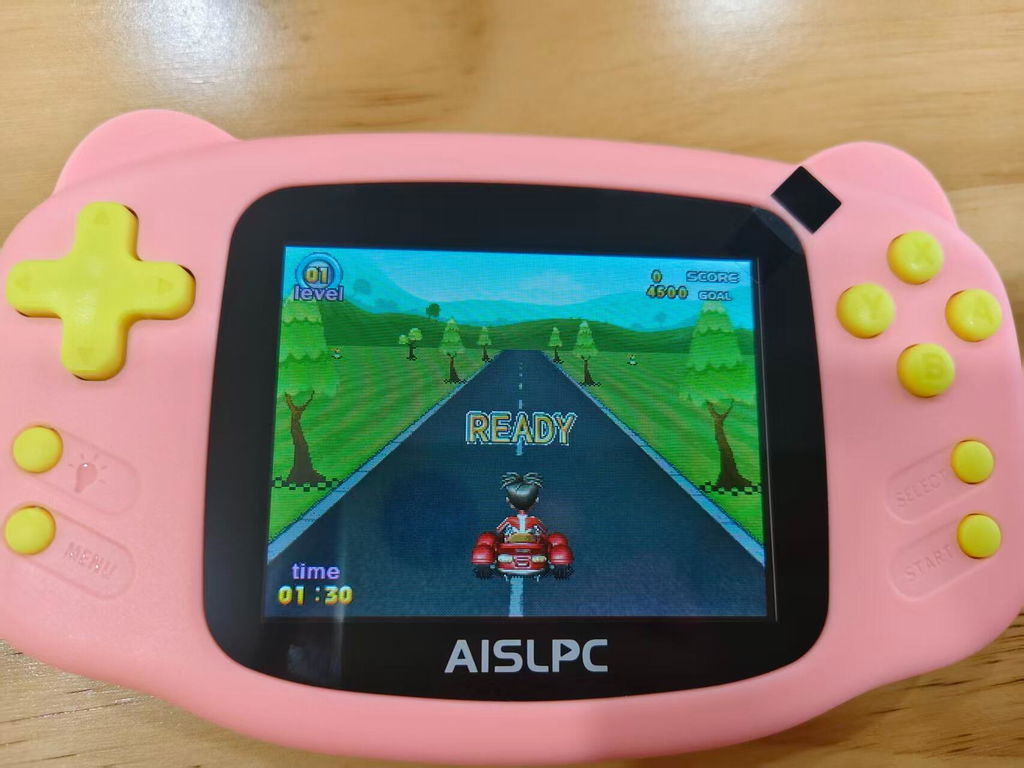
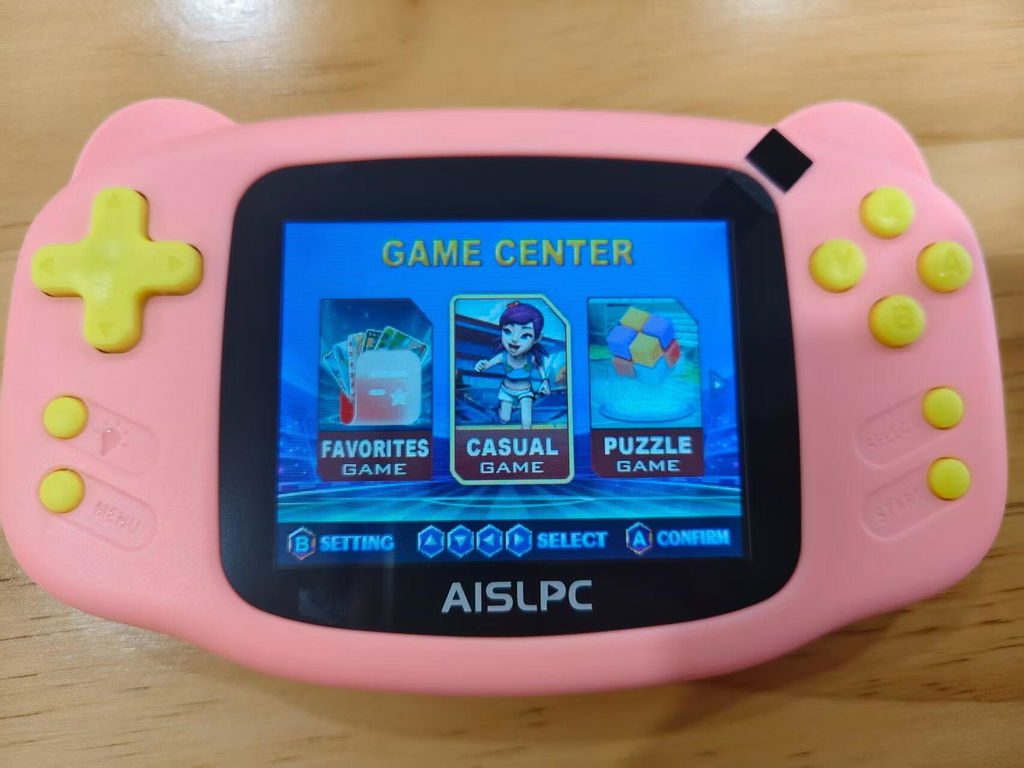
Mit seiner niedlichen, abgerundeten Katzenohren-Form wirkt diese Handheld-Konsole wie ein verspielter kleiner Gaming-Begleiter. Sanfte Rundungen und Retro-inspiriertes Design bringen den Spaß klassischer Spiele zurück.
Sanfte Pastellfarben mit verspieltem Kontrast
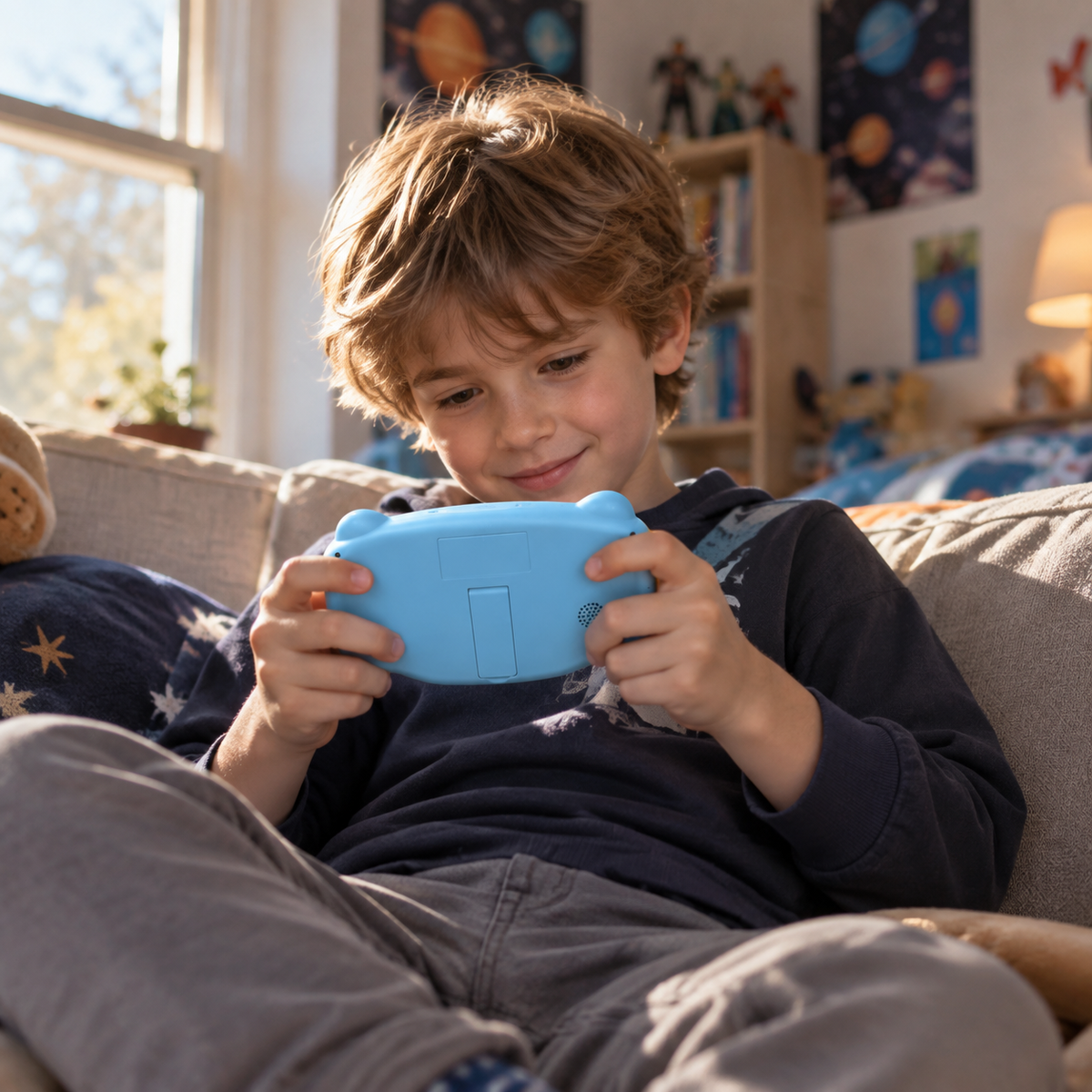
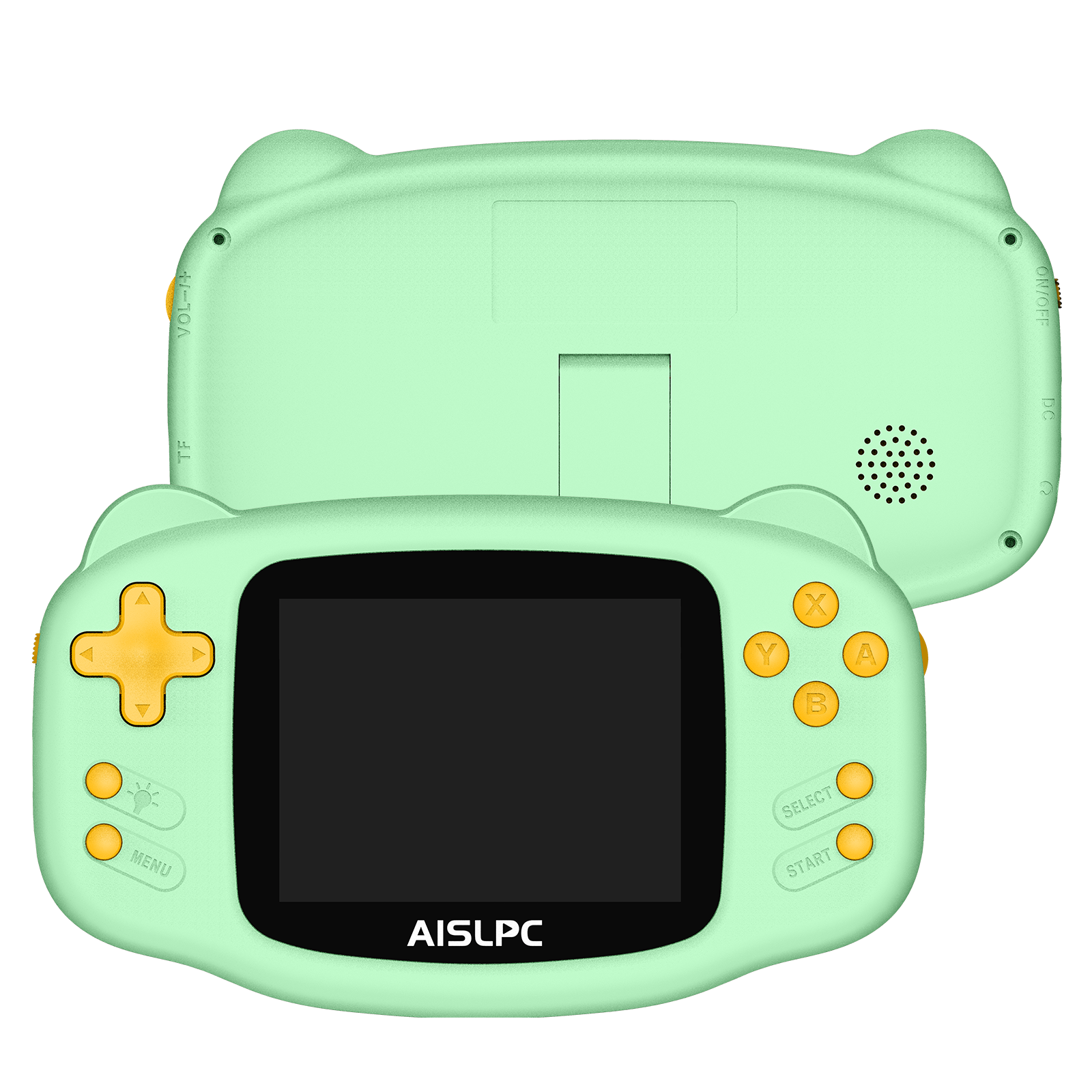
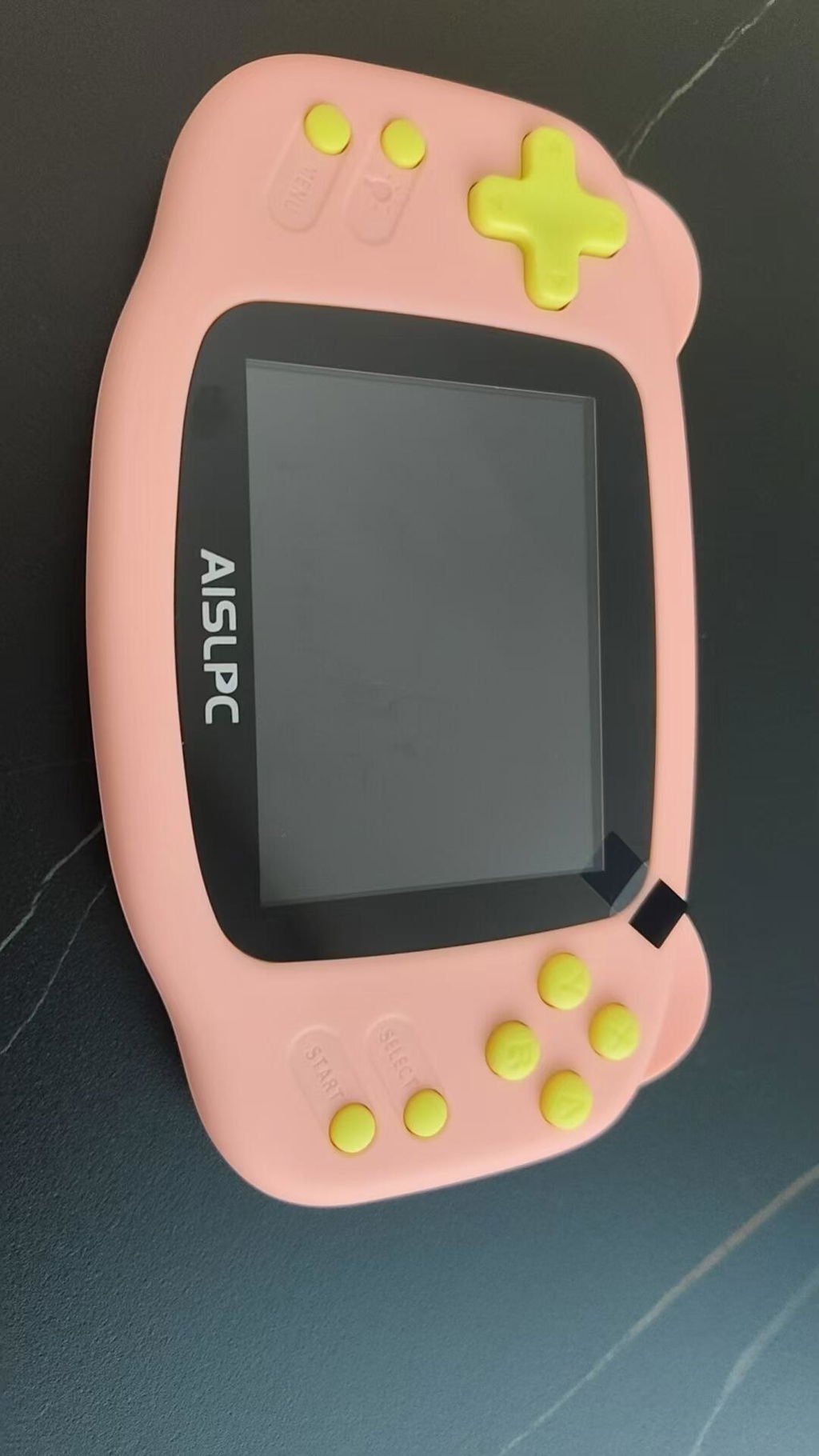
Erhältlich in zartem Rosa, Himmelblau und Mintgrün; jede Konsole besitzt leuchtend gelbe Tasten für einen fröhlichen Color-Blocking-Look. Sanfte Gehäusefarben und lebhafte Akzente sorgen für einen verspielten, kinderfreundlichen Stil.
Integrierter versteckter Standfuß
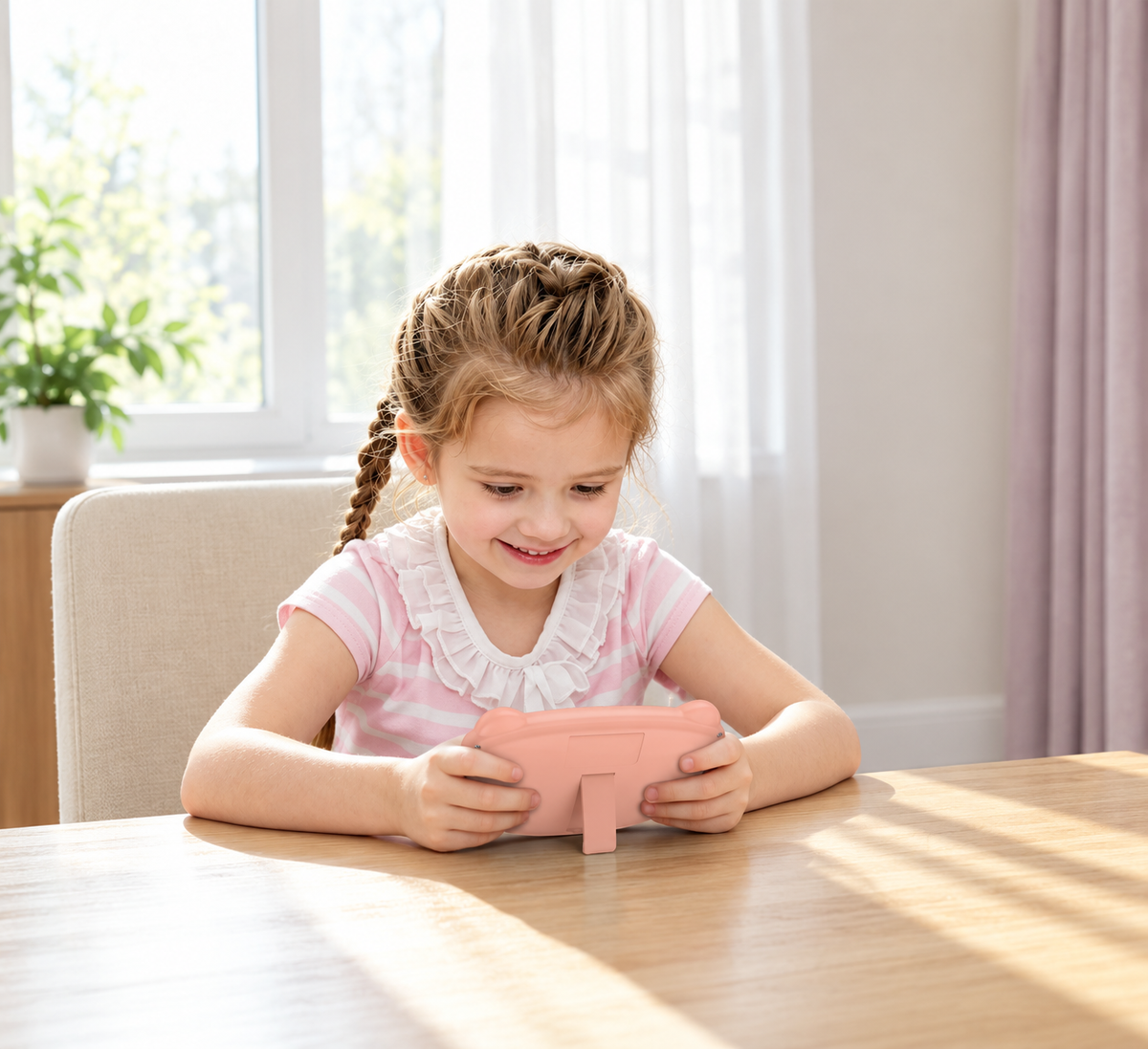
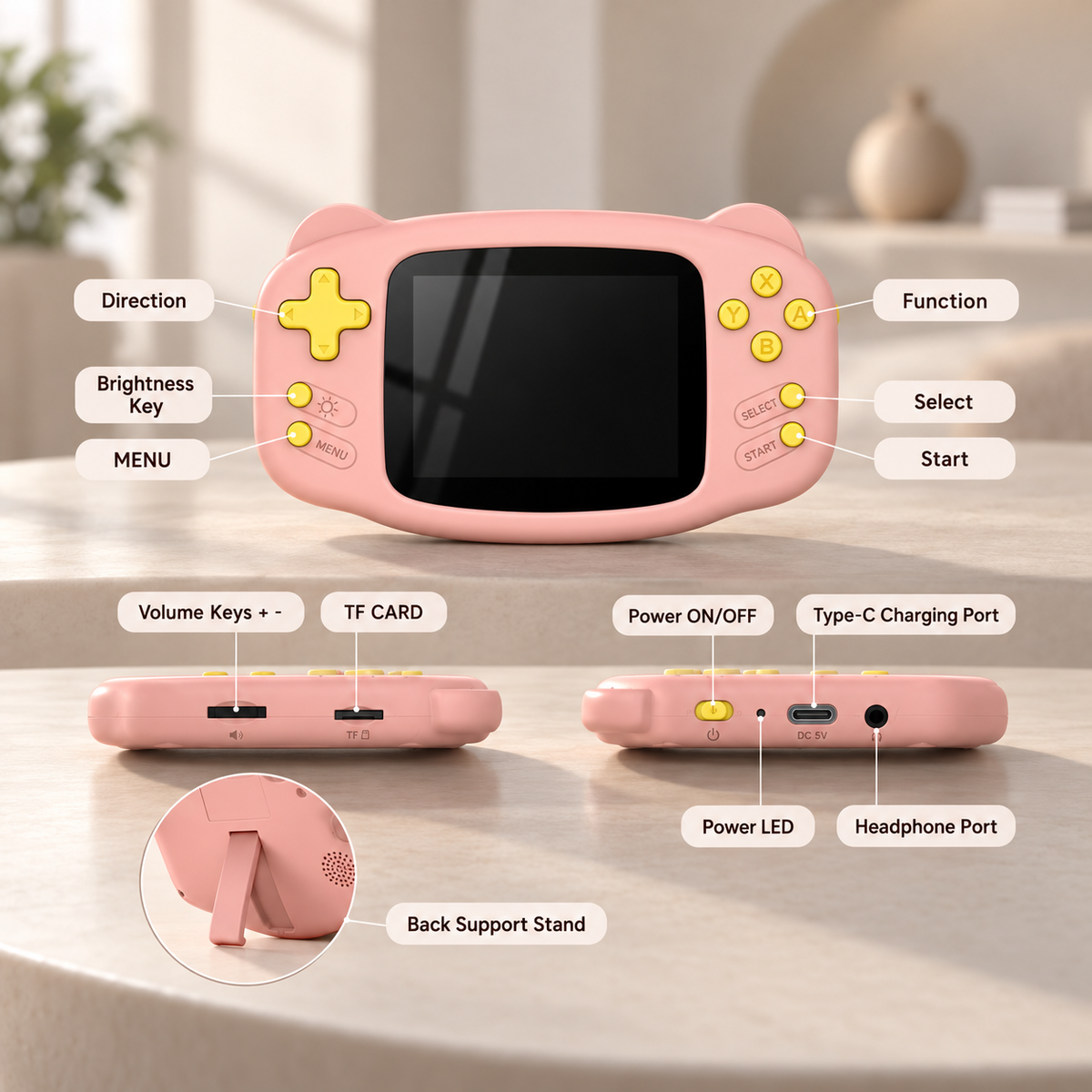
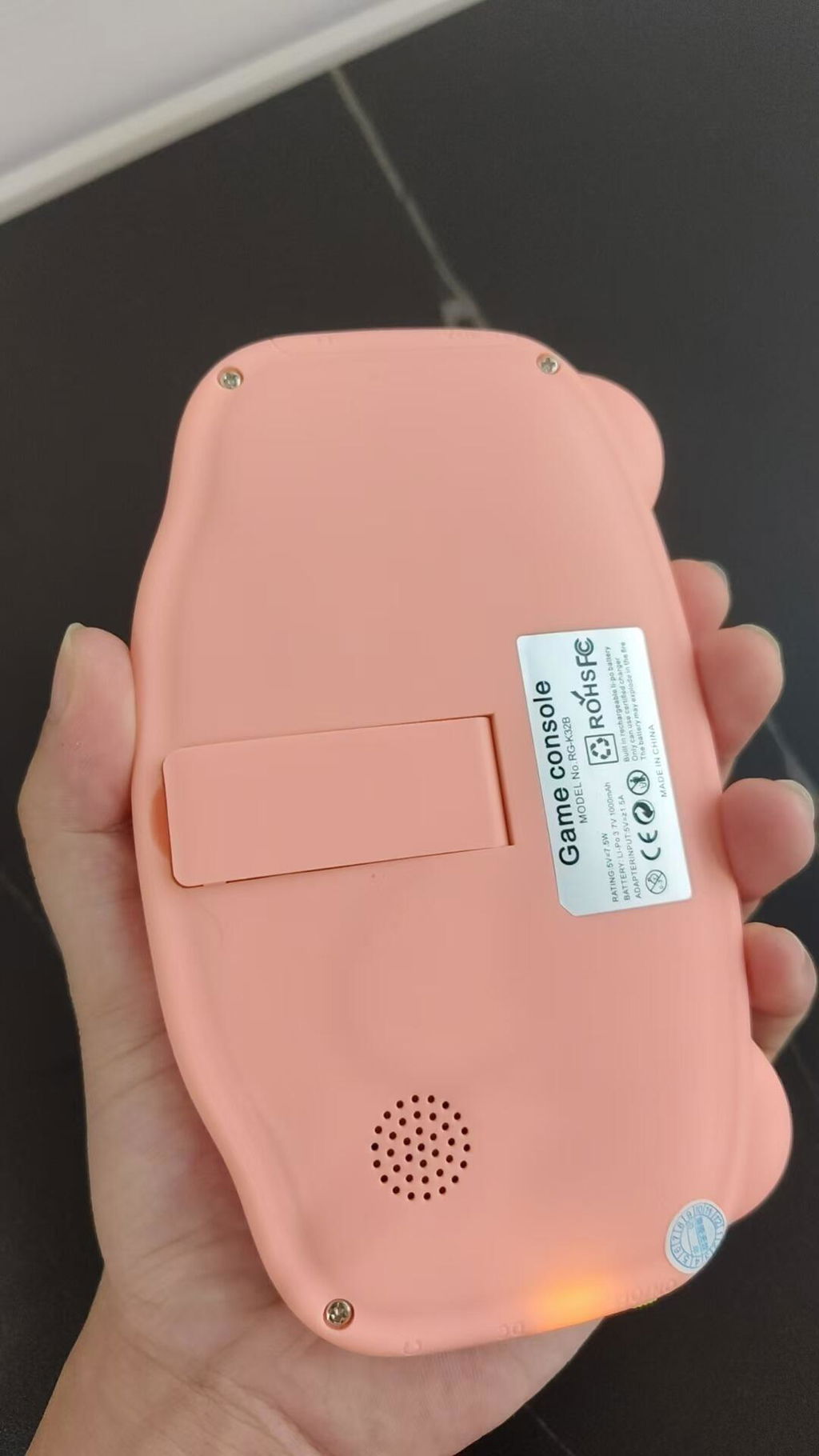
Auf der Rückseite der Konsole ist geschickt ein ausklappbarer Standfuß versteckt. Klappen Sie ihn aus, um das Gerät sicher auf einem Tisch zum Spielen, Ansehen oder Präsentieren aufzustellen.
Einfache, kinderfreundliche Steuerung
Das klassische Steuerkreuz und die sauber angeordneten ABXY-Tasten machen die Konsole leicht verständlich und angenehm zu bedienen. Kinder lernen die Steuerung schnell und können unkompliziert losspielen.
Leichtgängige, einfach zu reinigende Tasten
Das flache ABXY-Tastendesign hält die Vorderseite glatt und ordentlich. Weniger Vertiefungen um die Tasten bedeuten weniger Staub und Krümel und erleichtern die tägliche Reinigung.
Energiesparend für mehr Spielspaß unterwegs
Das energiesparende Design verlängert die Akkulaufzeit und reduziert häufiges Laden. Kinder können die Konsole problemlos auf Autofahrten, Familienreisen oder in den Alltag mitnehmen und jederzeit spielen.
Augenfreundliches Display mit Blaulichtfilter
Der Blaulichtfilter sorgt für ein weicheres und angenehmeres Seherlebnis für junge Spieler. Klare Bilder und helle Farben lassen kleine Spielwelten lebendig, fröhlich und leicht zugänglich wirken.
AISLPC® – RG-K32B Retro-Handheld-Spielkonsole für Kinder
Rosa / 300 Spiele enthalten
Verkaufspreis$39.99Normaler Preis
$59.99
Wenn Sie Fragen haben, können Sie uns jederzeit kontaktieren. Wir werden uns werktags innerhalb von 24 Stunden so schnell wie möglich bei Ihnen melden.
-
Versandinformationen
Verwenden Sie diesen Text, um Fragen Ihrer Kunden so detailliert wie möglich zu beantworten.
-
Kundenservice
Verwenden Sie diesen Text, um Fragen Ihrer Kunden so detailliert wie möglich zu beantworten.
-
Häufig gestellte Fragen
Verwenden Sie diesen Text, um Fragen Ihrer Kunden so detailliert wie möglich zu beantworten.
-
Kontakt
Verwenden Sie diesen Text, um Fragen Ihrer Kunden so detailliert wie möglich zu beantworten.
Funktionen der Handheld-Konsole


Funktionen der Handheld-Konsole
Entdecken Sie Display, Leistung, Akkulaufzeit, Ergonomie und Konnektivität für flüssiges Retro-Gaming.


Von Lehrkräften ausgewählte Spiele
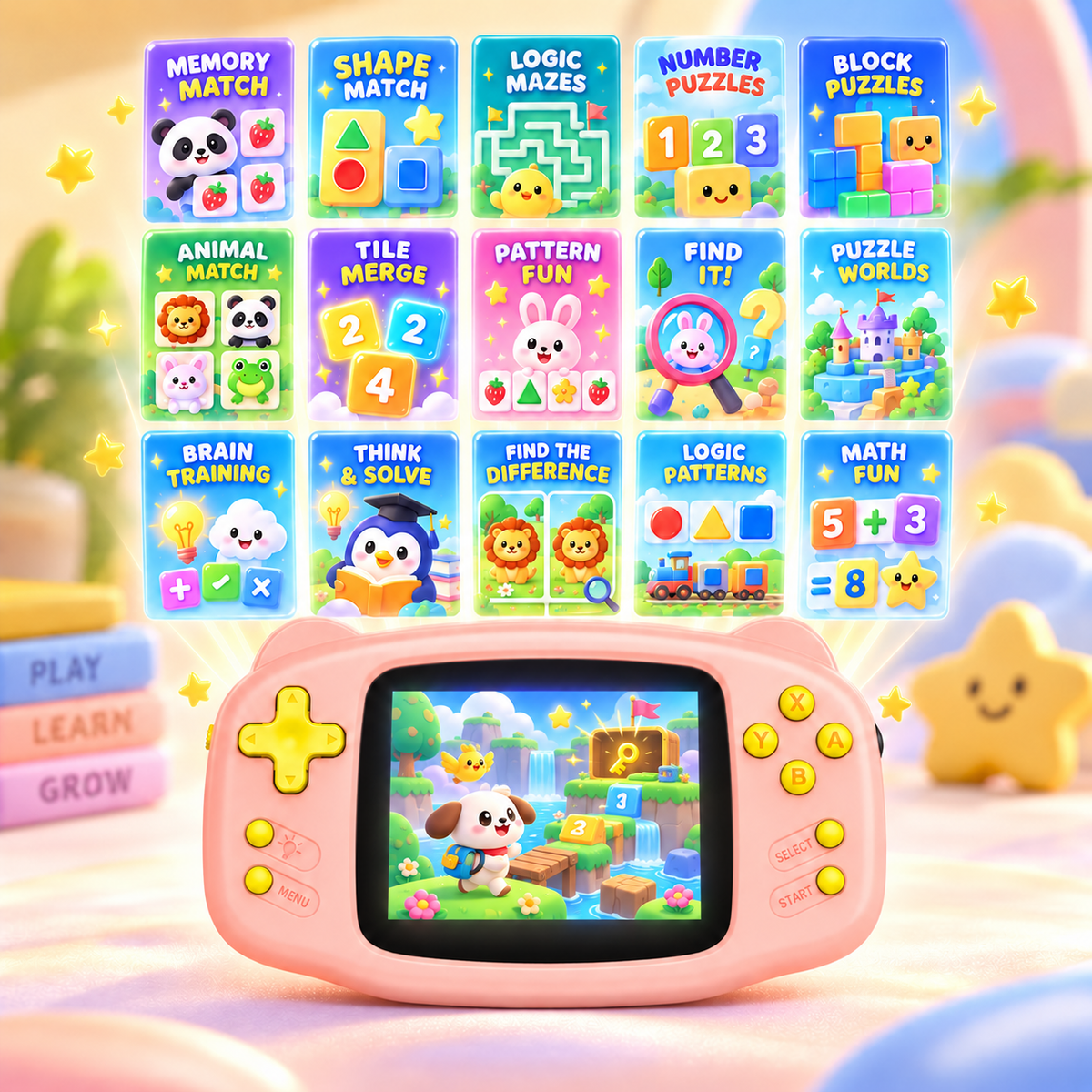
300 sorgfältig ausgewählte Lern- und Denkspiele.

Versteckter Aufsteller
Ein unterhaltsames Spielzeug und zugleich eine charmante Dekoration.

Kleine Konsole, großer Charakter
Lieblingsfarbe wählen und den eigenen Stil zeigen.

Technical Specifications
- Display
- 3,2-Zoll-IPS-Display · Auflösung 320 × 240
- Anschlüsse
- 1 × USB-C-Anschluss (DC) · 1 × 2,5-mm-Standardanschluss mit Kopfhörerausgabe · 1 × TF-Kartensteckplatz für zusätzliche klassische Spiele und Systemupdates
- Erweiterbarer Speicher
- Bis zu 512 GB
- Betriebssystem
- Individuelles, schlankes Gaming-Betriebssystem
- Sprachen
- Englisch
- Bedienelemente
- SELECT / START / MENU / X / Y / A / B / U / R / L / D / Helligkeitsregelung, Ein-/Aus-Schalter, Lautstärkeregler
- RGB-Beleuchtung
- Rot beim Laden bzw. bei niedrigem Akkustand, Grün im Betrieb bzw. bei vollständig geladenem Akku.
- Lautsprecher
- 8 Ω / 0,8 W
- Akku
- 600 mAh
- Farben
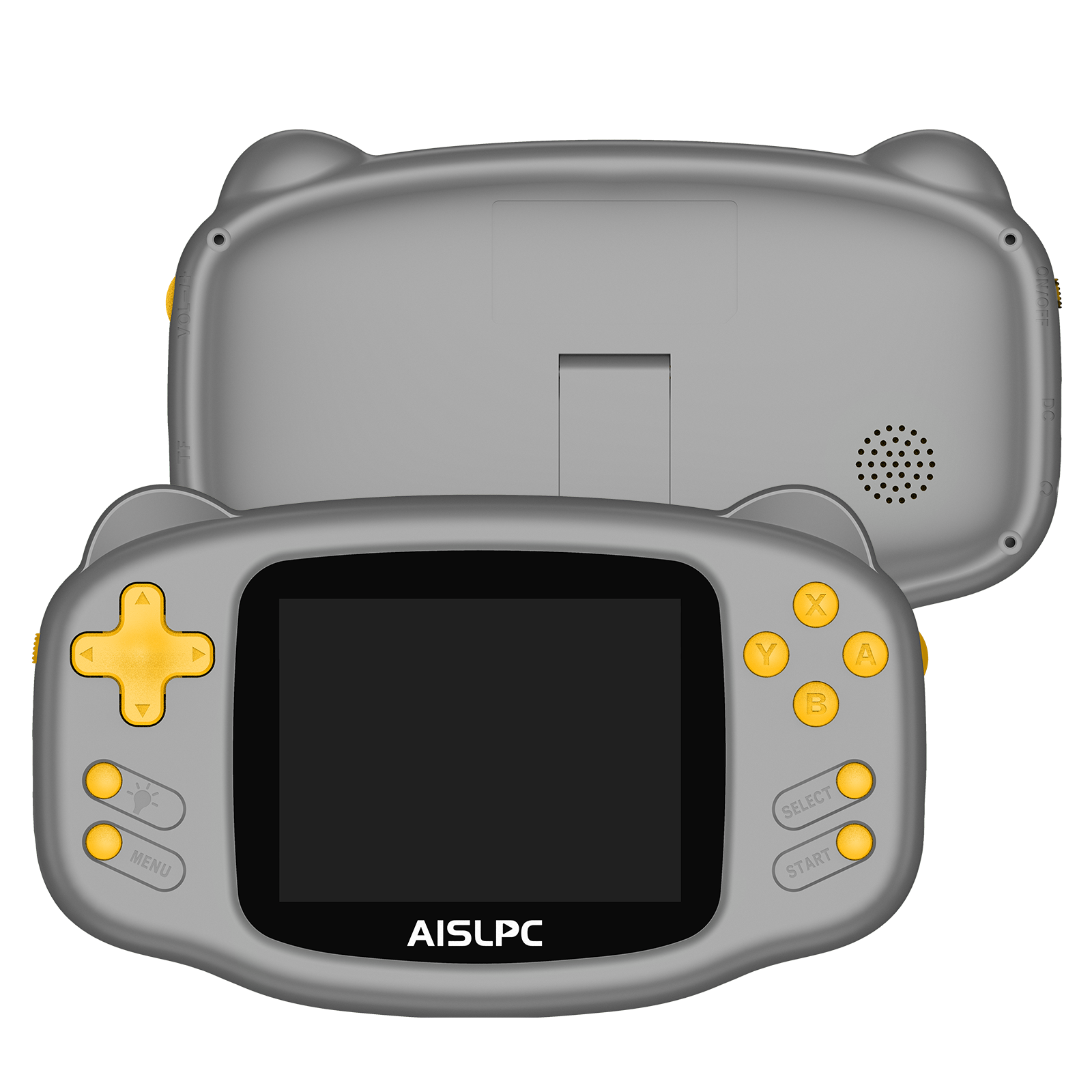
- Rosa / Grün / Blau / Grau
- Display
- 3,2-Zoll-IPS-Display · Auflösung 320 × 240
- Anschlüsse
- 1 × USB-C-Anschluss (DC) · 1 × 2,5-mm-Standardanschluss mit Kopfhörerausgabe · 1 × TF-Kartensteckplatz für zusätzliche klassische Spiele und Systemupdates
- Erweiterbarer Speicher
- Bis zu 512 GB
- Betriebssystem
- Individuelles, schlankes Gaming-Betriebssystem
- Sprachen
- Englisch
- Bedienelemente
- SELECT / START / MENU / X / Y / A / B / U / R / L / D / Helligkeitsregelung, Ein-/Aus-Schalter, Lautstärkeregler
C
I loved it! It is very easy to use and is ideal for young children.
J
I bought two and they arrived on time, together and well packaged. They are nice and practical for the little ones.
D
nice and easy to use, perfect, so fun perfect for my granddaughter , looks great, happy with purchase,
T
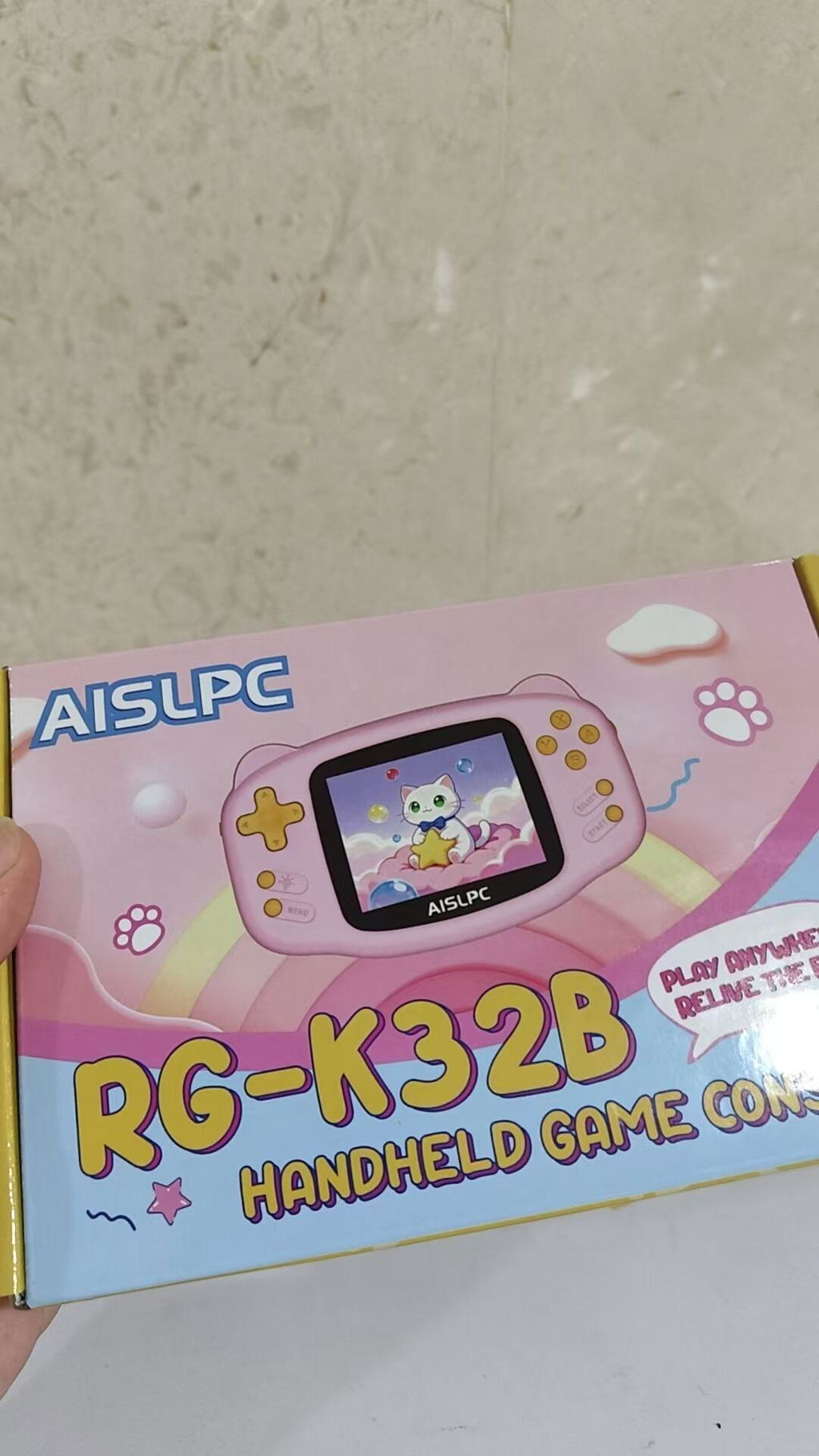
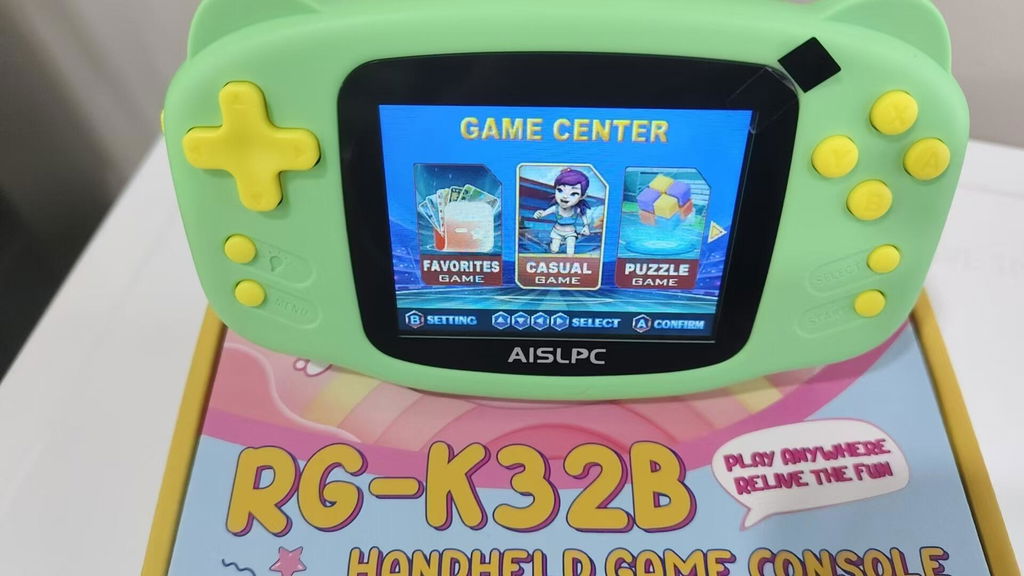
Bought for my grandson s. They love them.
A
Cute. Perfect size for my niece
M
These are adorable! My 4 year old twins love them!
L
love it
B
It was good, but I wish I had more games
M
happy with purchase, my grand daughter loves it
A
My 2 year granddaughter loves this and has no trouble using it . Well worth the money.
c
Granddaughter loves it. Great size for her small hands
C
Wonderful
L
Excellent, my son loves it
y
Perfect for a 3yo. The quality of this is amazing
M
CUTE FOR KIDS AND THE PRICE IS RIGHT
C
Cute buy and my child loves
C
I loved it, I absolutely adore it! And my baby is super happy too
C
perfect, so fun, great value, pleased, happy with purchase,, very cute like a lot
W
The kids play with it if they are happy I'm happy
M
My grandchildren are happy with them.
R
nice and easy to use. Super cute and functional
N
Nice for a 3 year old
T
my son loves it! it's probably one of the best things I ever bought off here.
L
Very nice and small
N
Cute game, hope grandson likes for his birthday.
J
Omg this is so dang cute,, recommendation buy
A
GOOD FOR THE PRICE
H
Very beautiful.
T
Ok this is awesome! My grandbabies will love it! The sound is a little automated but still good toy for the gkids
P
perfect, so fun, happy with purchase,, grandniece loves it