
AISLPC Centro di download firmware e sistema AISLPC Download

Trova firmware ufficiali e della comunità, sistemi operativi, pacchetti di app, strumenti e note di rilascio per le console portatili AISLPC. Scegli il tuo dispositivo e verifica la compatibilità prima di scaricare.

Scegli il tuo dispositivo per trovare firmware, pacchetti di app, strumenti, guide e la cronologia delle versioni.

Device

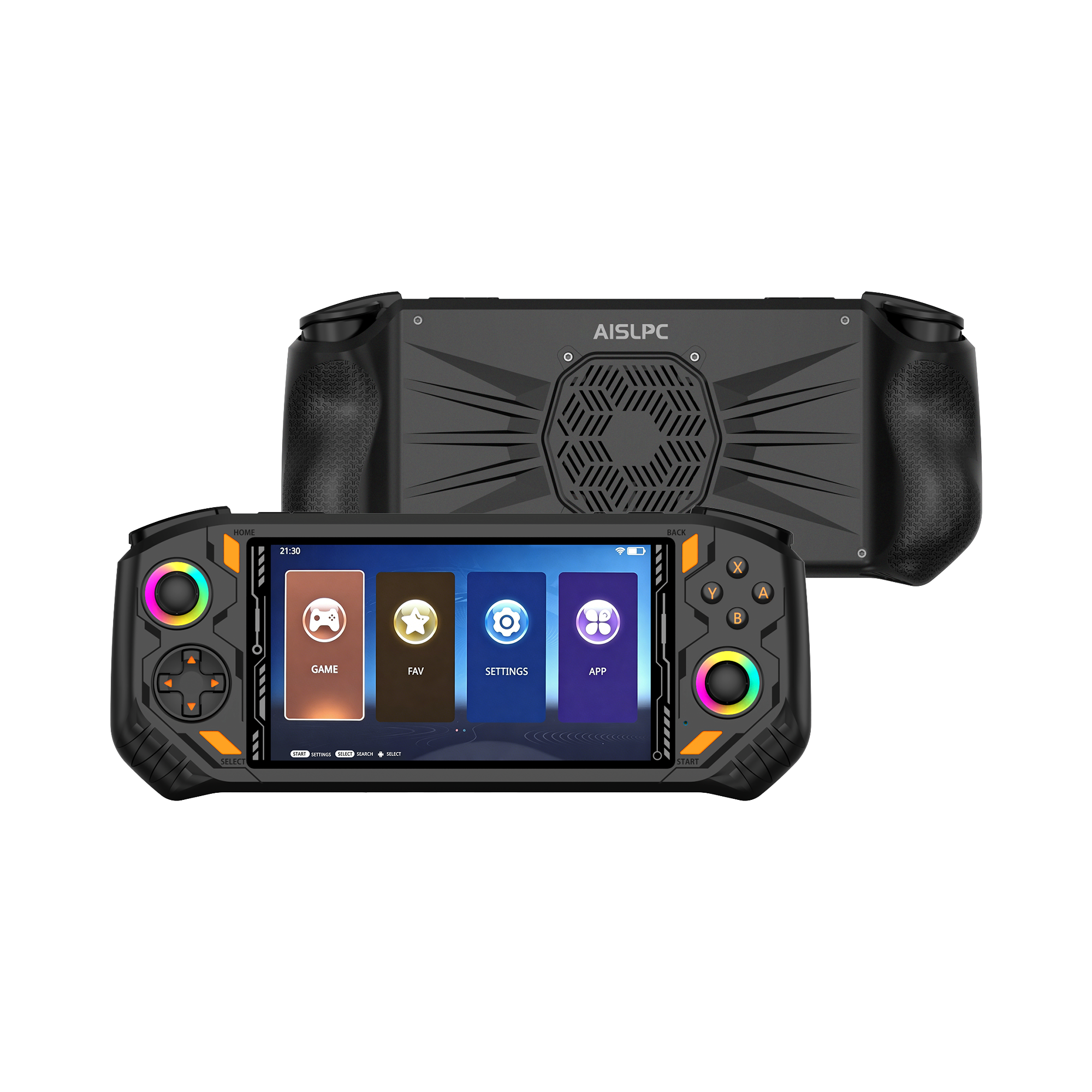
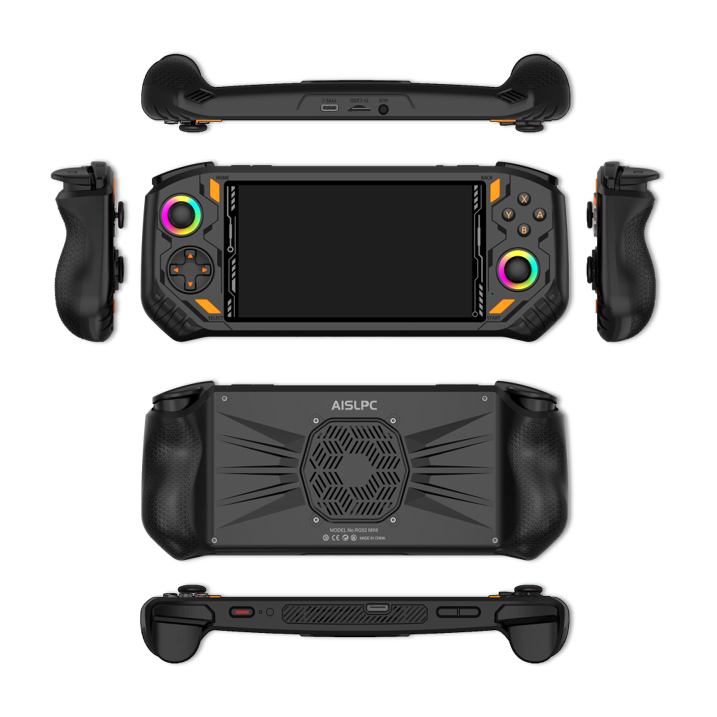
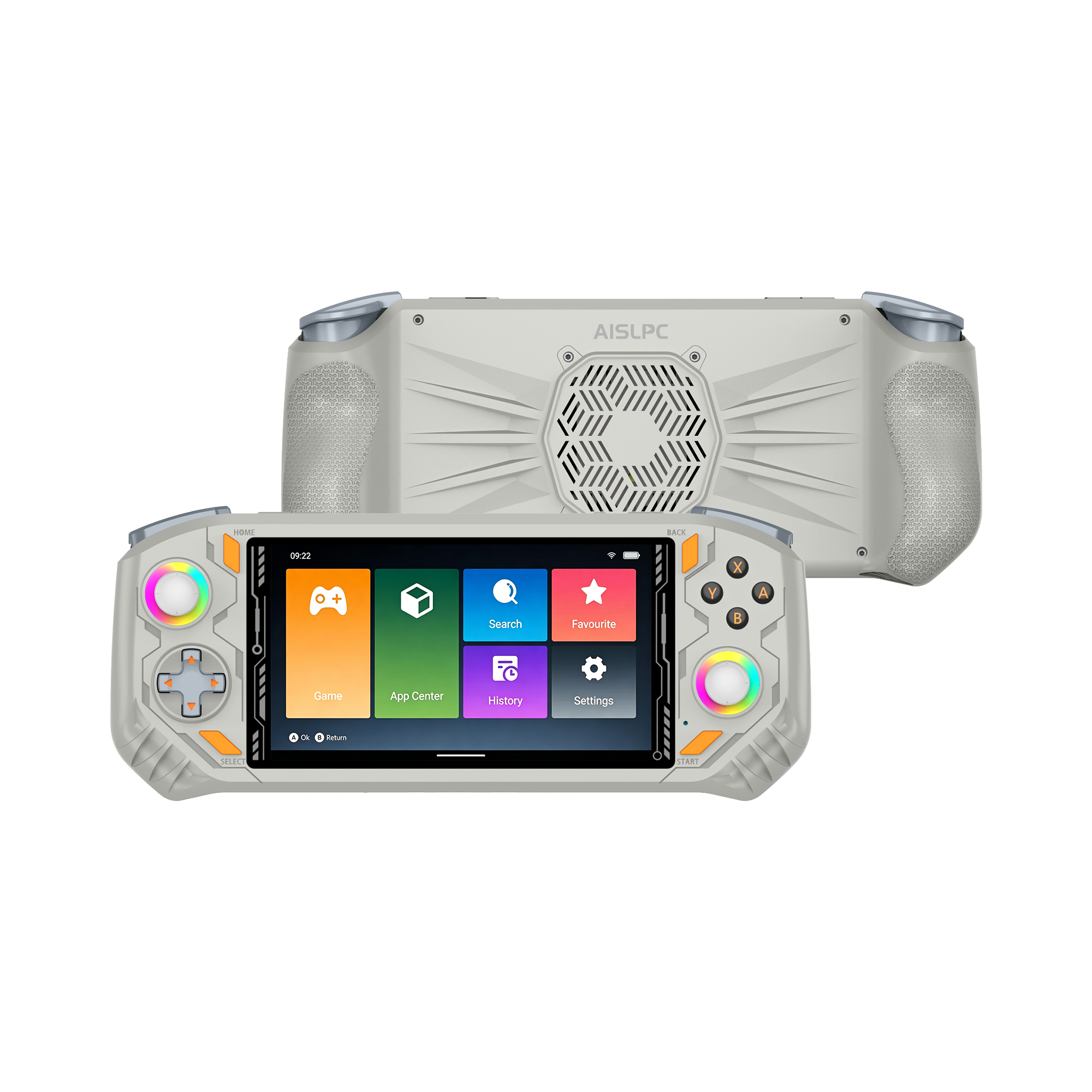
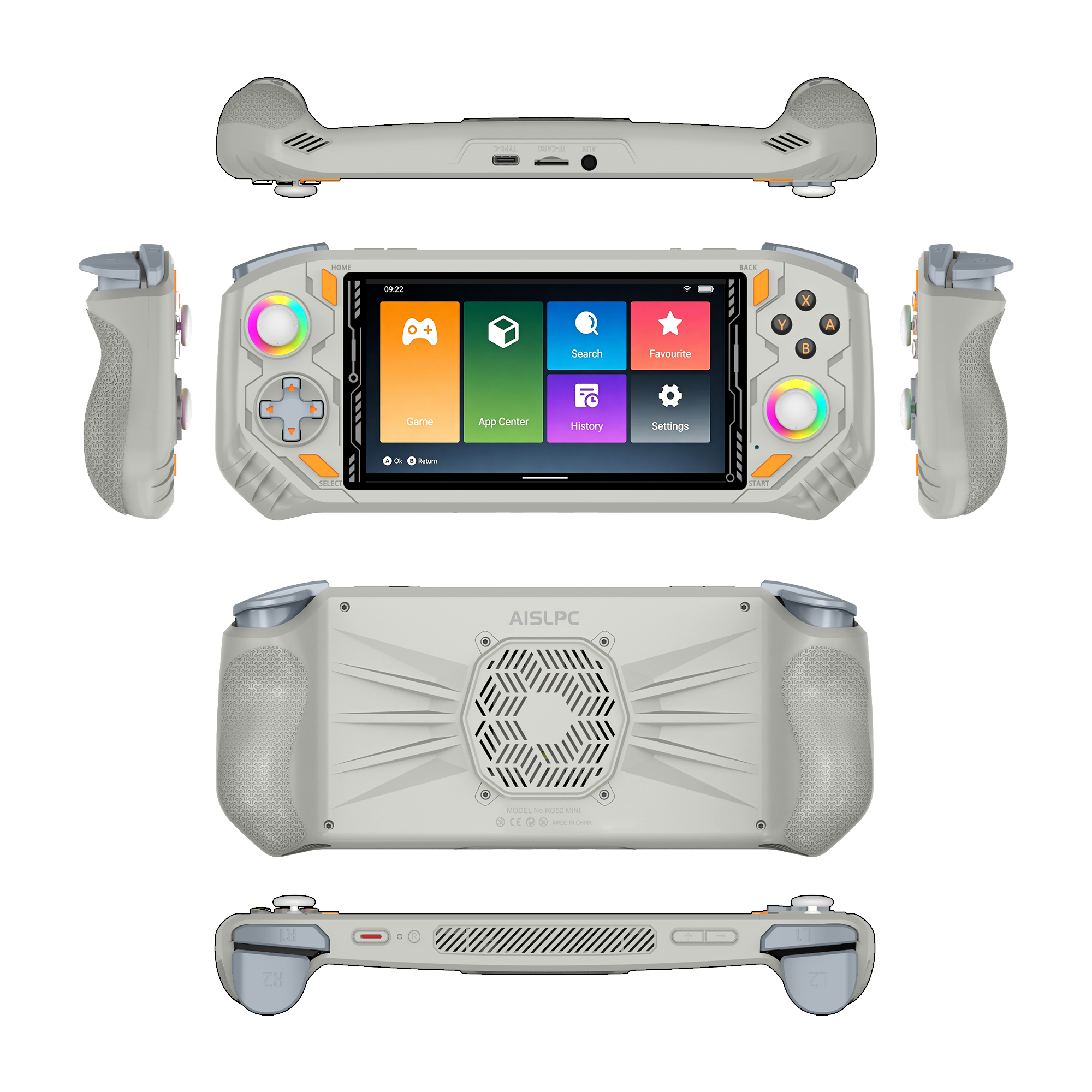
RG52 MINI

Aggiornato 5 Firmware · 1 App Package
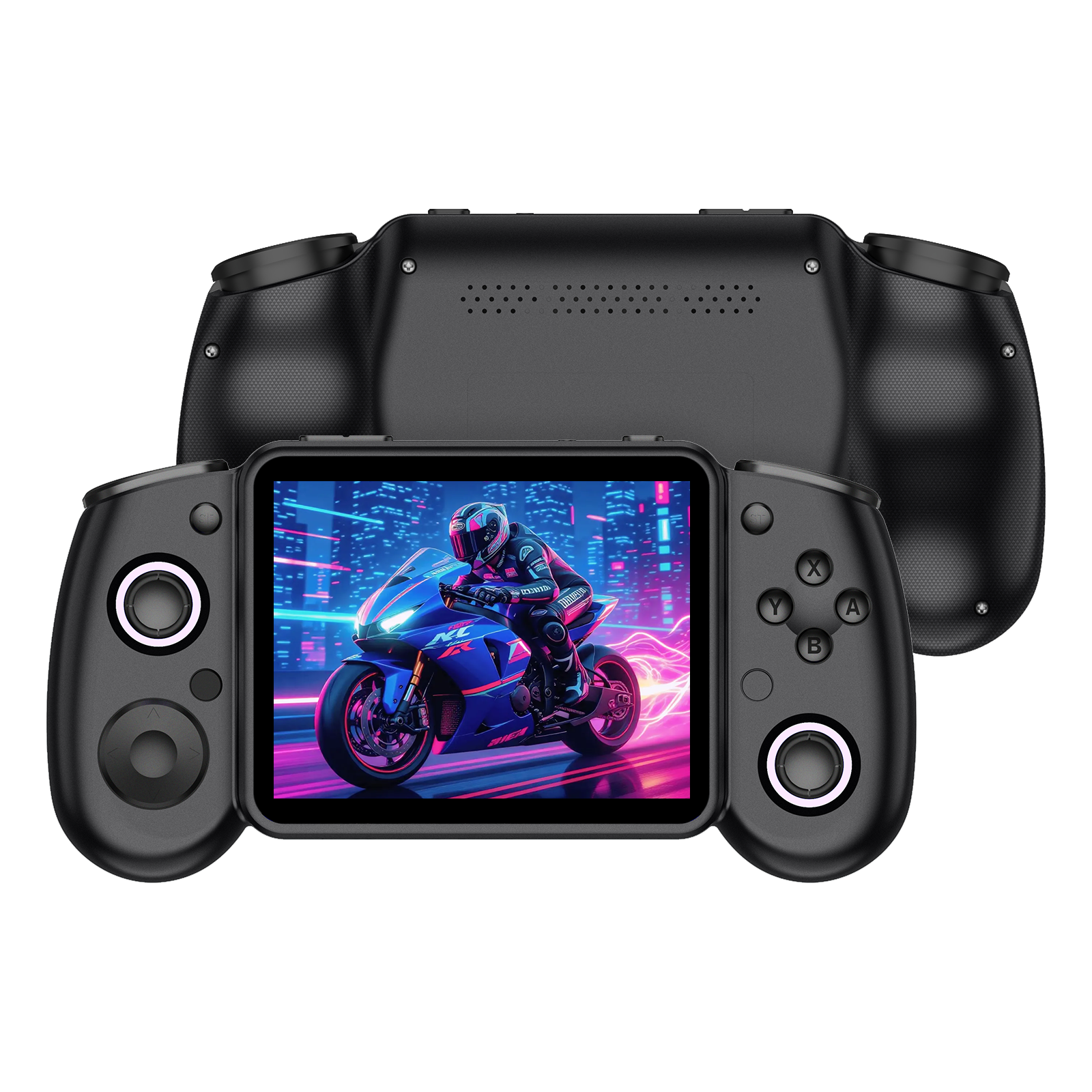
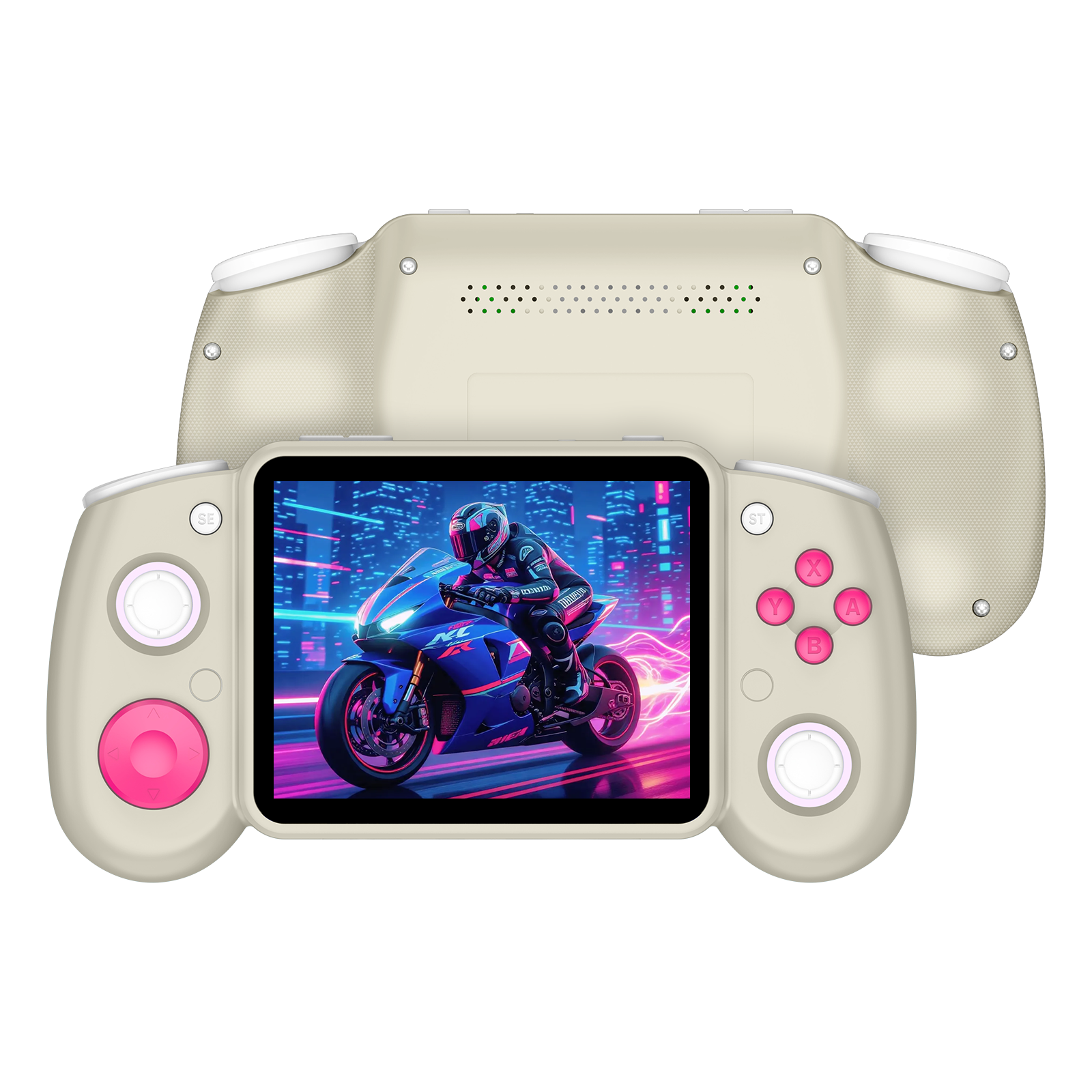
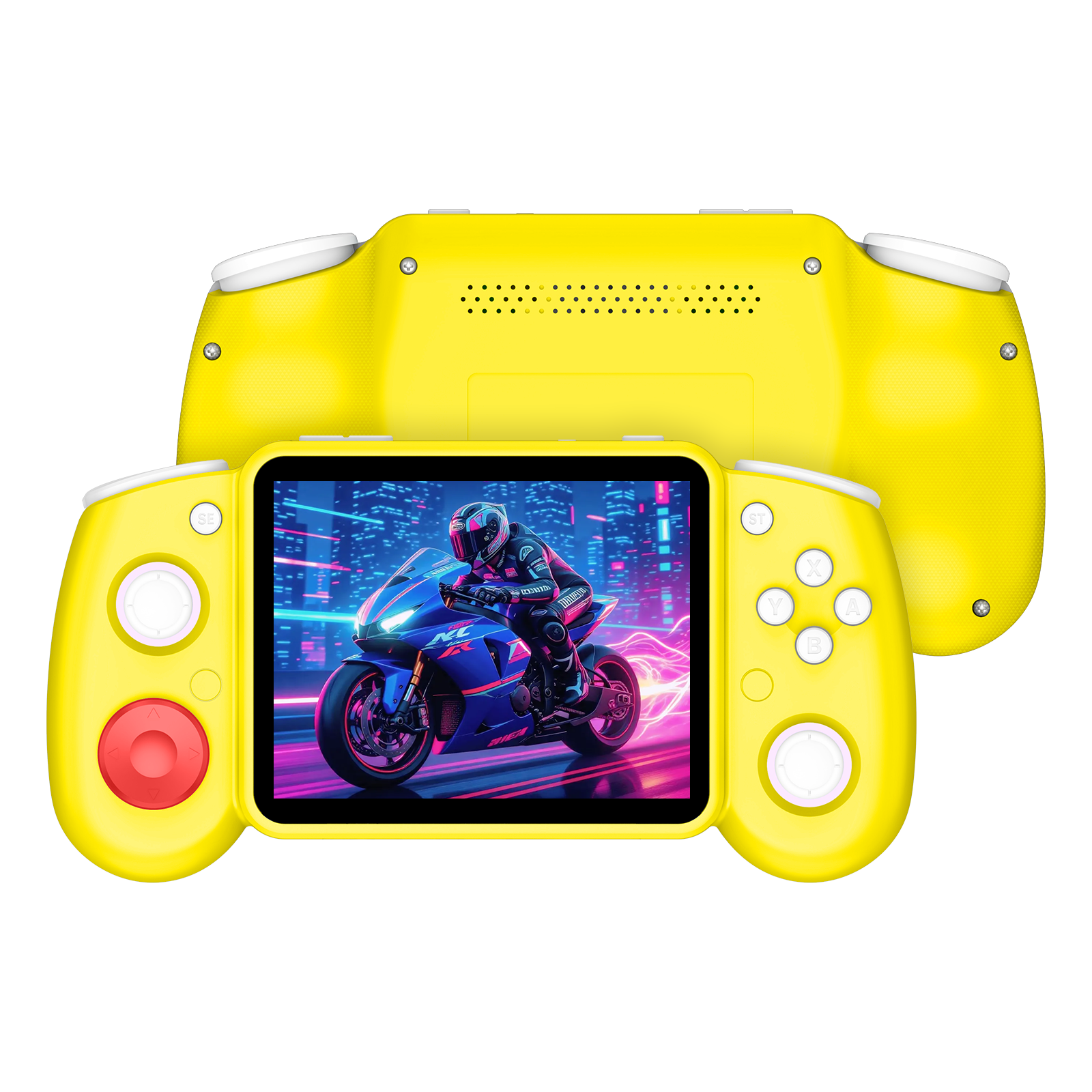
Il RG52 MINI è una console portatile retrò versatile, progettata sia per il gioco portatile che per quello su grande schermo. Il suo design orizzontale confortevole, il display vivace e la connettività moderna la rendono una scelta eccellente per i giocatori che desiderano un'esperienza di gioco completa.
RG52 MINI

EmuELEC 4.7

Firmware Official
2 versions Ultimo aggiornamento
Note di rilascio

Update Highlights:

  • Added custom bezel support. Add compatible bezel files to the bezels folder on the TF card.
  • Added button mapping support for the OpenBOR emulator.
  • Added the Facebook app.
  • Fixed an issue that caused YouTube to crash when signing in with a Google account.

EmuELEC 4.7 Pacchetto App

App Package Official

Progettato per il sistema ufficiale AISLPC EmuELEC 4.7, questo pacchetto di app consente alle app supportate di funzionare direttamente sulle console portatili compatibili. Si prega di installarlo solo su dispositivi che utilizzano il sistema ufficiale AISLPC EmuELEC 4.7.

Ultimo aggiornamento

AisRock

Firmware Community

Firmware sviluppato dalla comunità AisRock aggiunge supporto per alcuni giochi delle console di sesta generazione. Grazie alla comunità per migliorare continuamente l'ecosistema dei nostri dispositivi.

2 versions Ultimo aggiornamento
Note di rilascio

Firmware Update Notes

  1. Added a short vibration on startup.
  2. Improved headphone detection after wake-up to prevent incorrect headphone status.
  3. Optimized PPSSPP performance to match the RG52 Mini EmuELEC version, supporting smoother God of War gameplay at 2× resolution.
  4. OpenBOR: Added SELECT + START to exit and left analog stick control.
  5. Fixed the Lynx emulator screen rotation issue when pressing SELECT.
  6. EmulationStation: Added built-in fonts and reduced long black-screen time after changing system language and rebooting.
  7. Fixed PSX games not responding to the left analog stick.
  8. RetroArch: Fixed settings not being saved after switching the menu language to Chinese.

PSP cheat path: roms/savestates/PPSSPPSDL/PSP/Cheats

Note: This firmware boots from a TF card. Please use Rufus to write the firmware image to the TF card.

Guide alla console portatile

Visualizza tutto

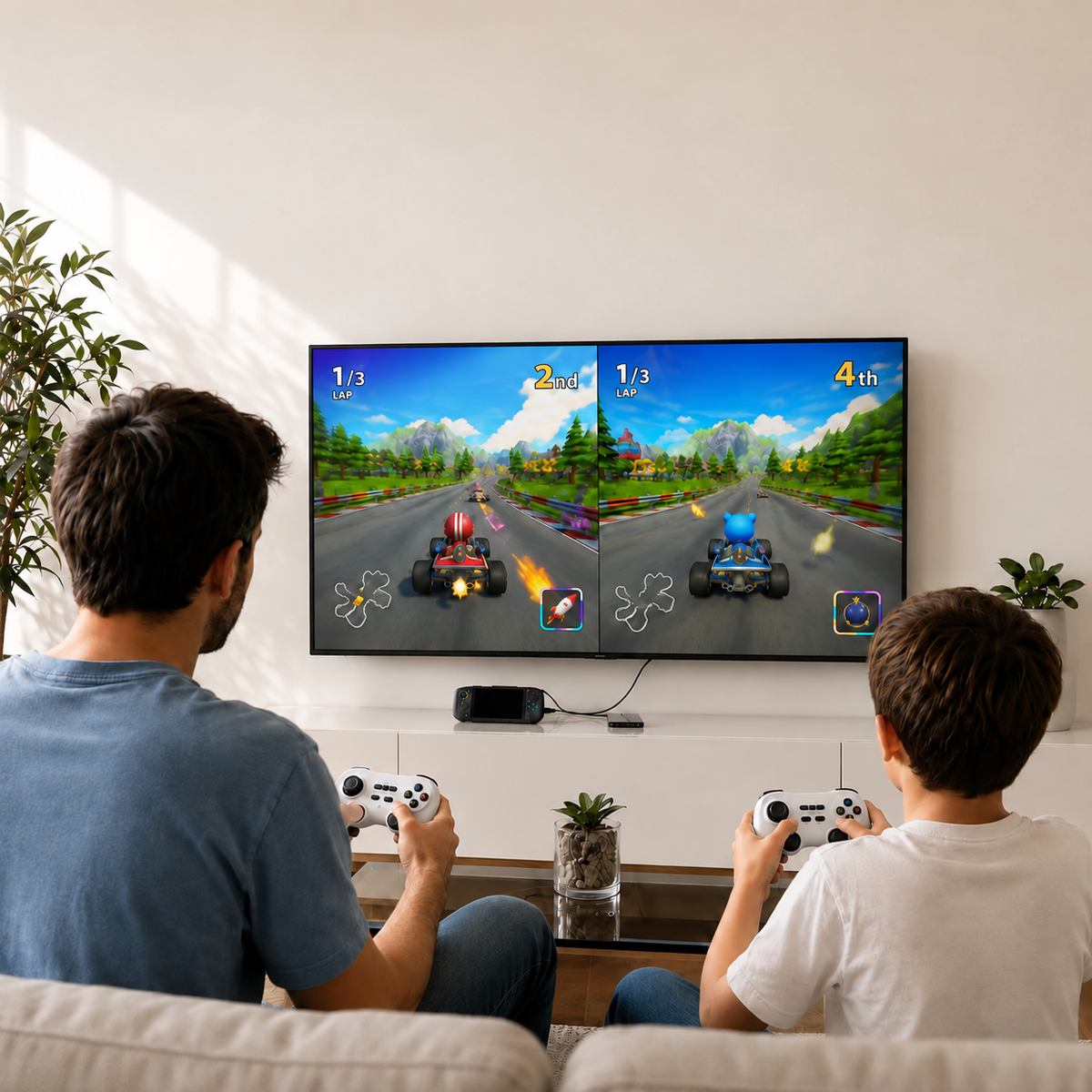
AISLPC two-player gaming blog cover showing a family playing racing games on a TV with handheld console controllers for multiplayer entertainment.

How to Test Your RGPad02 Gamepad Online

Quickly check your RGPad02 buttons, joysticks, and D-pad with our online gamepad tester. No installation is required—just connect your controller and start testing in your browser.

Continua a leggeresu How to Test Your RGPad02 Gamepad Online

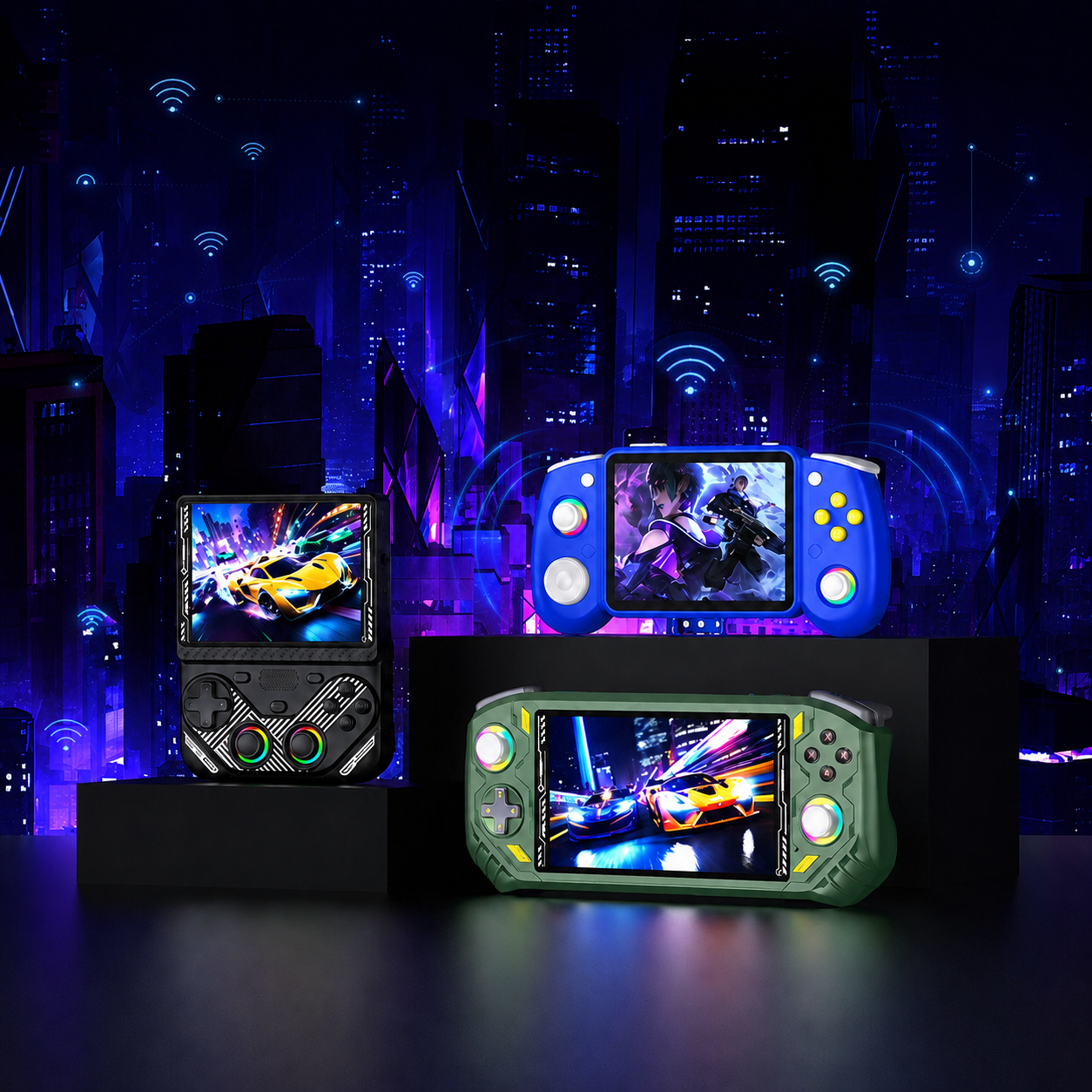
AISLPC retro handheld game consoles displayed in a cyberpunk city scene, featuring multiple gaming devices with colorful screens.

How to Fix Wi-Fi Connection Issues on AISLPC Handheld Consoles

This guide covers common Wi-Fi issues on AISLPC handheld consoles, including networks not appearing, failed connections, password compatibility, 2.4GHz/5GHz settings, WPA2/WPA3, and RGBOX/Downloader connection problems. Follow these simple steps to quickly identify and fix the issue.

Continua a leggeresu How to Fix Wi-Fi Connection Issues on AISLPC Handheld Consoles

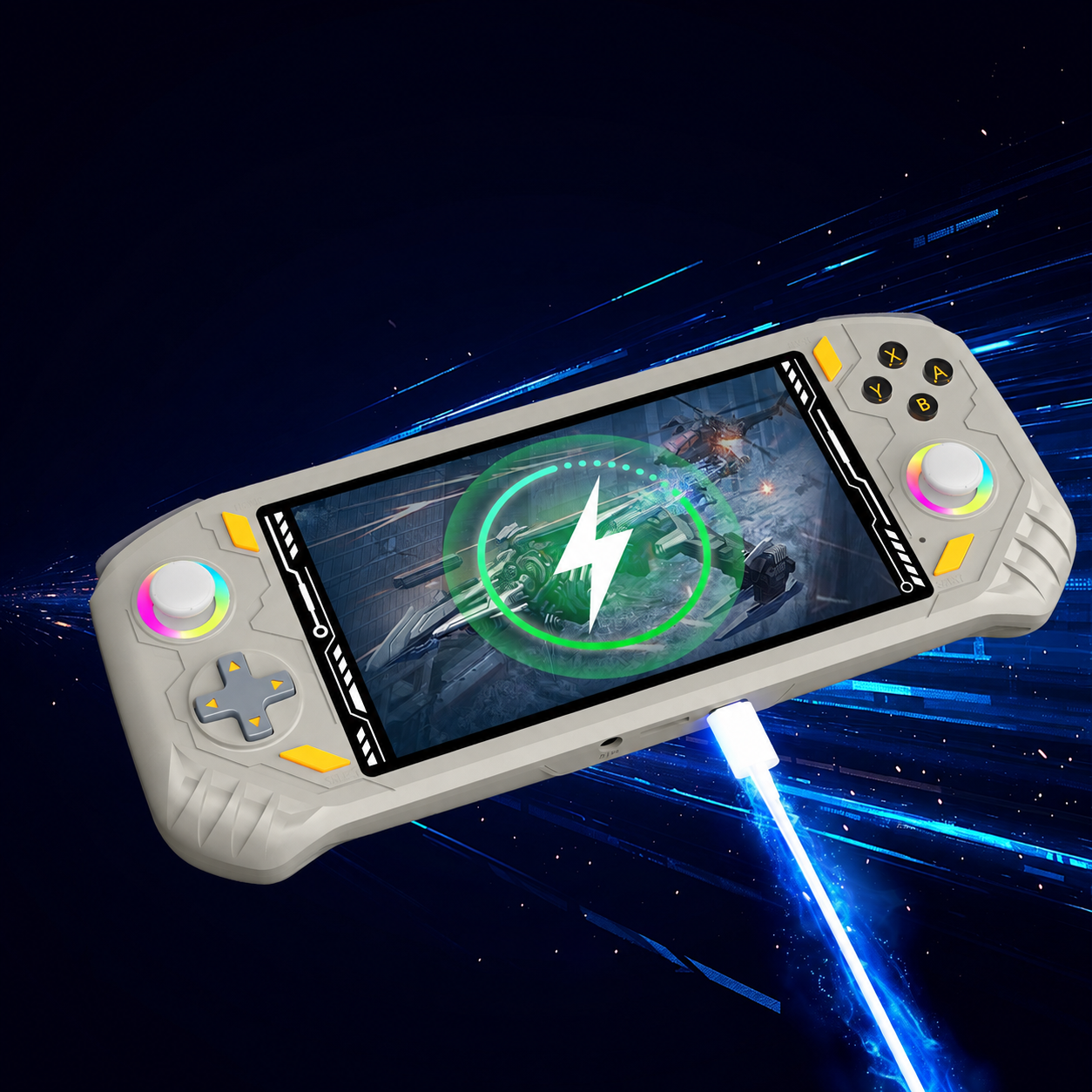
AISLPC RG52 PRO MAX handheld game console blog cover showing fast charging with a Type-C cable and a lightning charging icon on screen.

How to Troubleshoot Charging and Battery Issues on AISLPC Handhelds

Having trouble charging your AISLPC handheld? This guide covers simple troubleshooting steps for common charging and battery issues, including checking the charger, cable, USB-C port, and charging status, plus what to do if the device still won’t charge.

Continua a leggeresu How to Troubleshoot Charging and Battery Issues on AISLPC Handhelds

Ulteriore supporto

Domande frequenti

Dov'è la directory cheat (cheat) PSP nel sistema EE?

Posiziona i tuoi file cheat PSP nel seguente percorso:
/storage/roms/savestates/PPSSPPSDL/PSP/Cheats

Hai altre domande?

Se avete ancora domande irrisolte, non esitate a contattarci tramite il FAQ pagine.